There’s a moment most adult beginners in electronics hit around week three: the tutorial ends, the LED blinks correctly, and you think — now what? Arduino and Raspberry Pi kits have become the dominant entry points for adults who want to learn electronics, programming, and robotics from scratch. Arduino (pronounced ar-DWEE-no) is a small programmable circuit board — a microcontroller — designed to control physical things like motors, lights, and sensors. Raspberry Pi is a full pocket-sized computer running Linux, capable of networking, video processing, and running Python code. They’re genuinely different tools that attract genuinely different learners. The kit you buy wraps one of these platforms in components, wires, and — critically — tutorials. This article is about which kits actually teach adults something lasting versus which ones leave you googling error messages at midnight with nobody to call.
We’ve analyzed aggregated owner reviews, published documentation quality, and community feedback patterns across the major kits available in mid-2026. If you’re deciding between an Arduino path and a Raspberry Pi path right now, here’s how to think through it.
Arduino vs. Raspberry Pi: The Real Difference for Adult Learners
Marketing language on these kits tends to blur the distinction, so let’s be direct.
Arduino is a microcontroller. It runs one program at a time, with no operating system in between. You write code in a simplified version of C++, upload it, and the board does exactly that thing — blink a light, read a temperature sensor, spin a motor. The feedback loop is short, the failure modes are small, and beginners report feeling a genuine sense of accomplishment early. Make: Magazine, in its introductory Arduino guides published at make.co, describes this tight feedback loop as the platform’s core pedagogical advantage for self-directed learners.
Raspberry Pi is a full computer. It boots into Linux, runs Python or dozens of other languages, connects to Wi-Fi, streams video, and can interface with AI APIs. The ceiling is dramatically higher. So is the complexity floor. You’re not just learning electronics — you’re simultaneously managing an operating system, file structures, and networking. For the right learner, that’s exciting. For someone who just wanted to make a robot car move, it can feel like being handed a commercial kitchen when you asked how to boil an egg.
The practical implication: Arduino kits have a lower frustration floor; Raspberry Pi kits have a higher long-term ceiling. Your choice should hinge less on which is “better” and more on which failure mode you can tolerate.
By the Numbers
| Factor | Arduino Path | Raspberry Pi Path |
|---|---|---|
| Time to first working project | 1–3 hours (typical) | 4–8 hours including OS setup |
| Recommended prior coding experience | None required | Basic Python helpful |
| AI/robotics integration potential | Limited without add-ons | Native, especially vision + networking |
| Average starter kit price range | $30–$80 | $60–$150 |
| Community forum density | Very high | High |
Which Kits Are Actually Worth Your Time
SunFounder Elite Explorer Kit (Arduino-based)
The kit that keeps appearing in adult learner reviews written by people in their 40s and 50s — people who describe picking up electronics as a hobby they genuinely wished they’d had access to earlier in life. That’s not a throwaway demographic signal. Those reviewers are self-directed, patient, and willing to invest time. What they consistently flag as the deciding factor in their success is the tutorial video library.
SunFounder’s Elite Explorer Kit documentation includes step-by-step video tutorials that reviewers describe as covering “everything needed,” with long-term owners specifically praising them in detailed review language — not the reflexive five-star enthusiasm of a first-week impression. The kit itself covers sensors, displays, motors, and basic circuit concepts across dozens of structured projects. Hackaday, in community project writeups and kit discussions at hackaday.com, has noted SunFounder’s documentation quality as meaningfully above generic Arduino clone kits, which often recycle the same sparse PDF regardless of the learner level.
One genuine differentiator: SunFounder’s customer support. Multiple reviewers across their product lines have noted that support responses arrive within 24 hours — overnight, given the China time zone gap — with substantive answers rather than boilerplate redirect links. For adult beginners who hit a wall at 10pm on a Wednesday, that’s worth real money.
Who this is right for: Adults with zero coding background who want structured, visual guidance and a support net. If you’ve been meaning to learn electronics for years and you want to actually finish something, this is the path with the fewest documentation landmines.
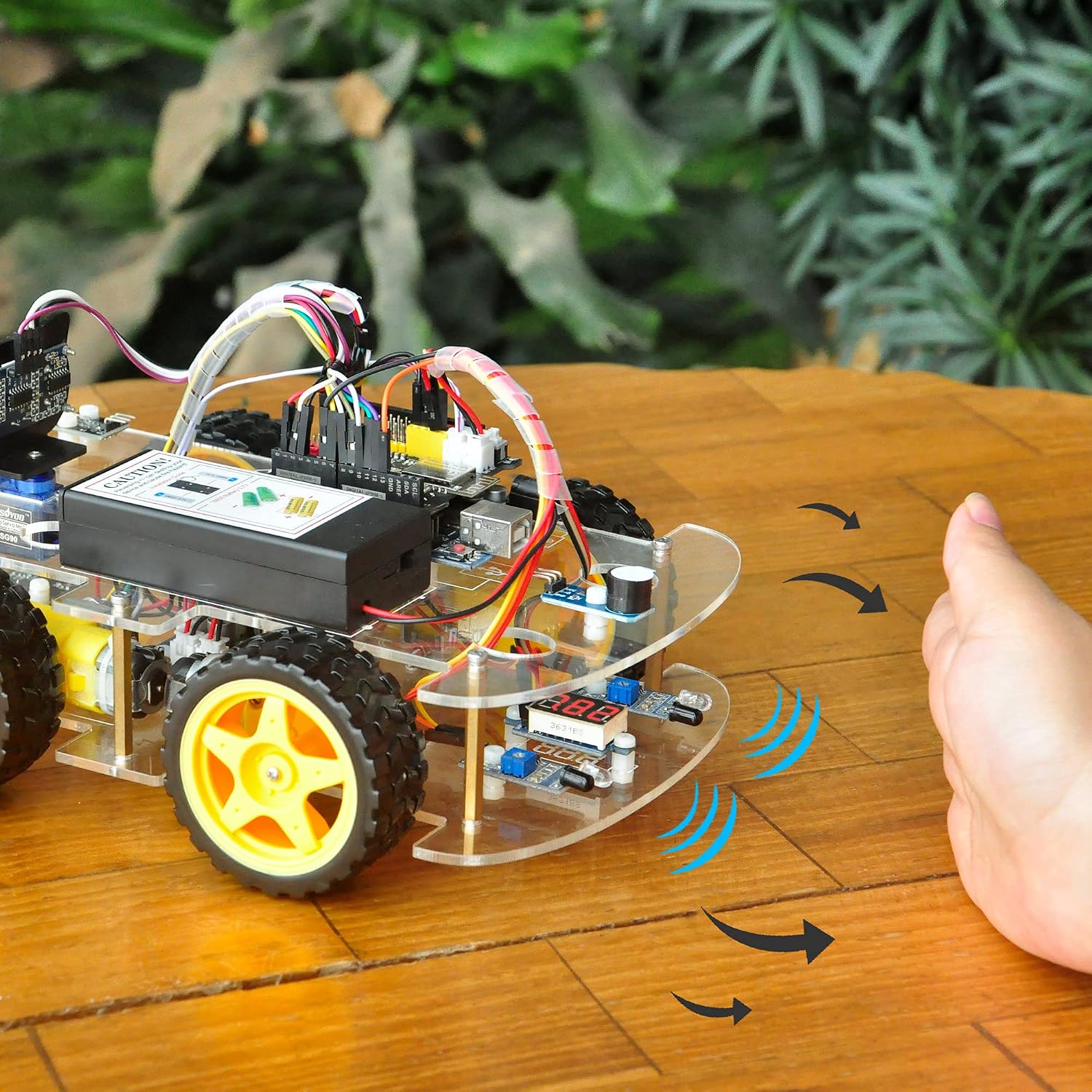
OSOYOO
$64.03
In stock on Amazon
Check price on AmazonSunFounder PiCar-X (Raspberry Pi robotics)
The PiCar-X is where things get genuinely interesting for learners who want to bridge into AI and robotics simultaneously. Reviewers who own this kit describe sustained engagement — one owner detailed heavy Python and TCP/IP networking use over a full year of ownership, which is extraordinary retention for any hobby kit. TCP/IP, for context, is the communication protocol that lets devices talk to each other over a network; the fact that adult hobbyists are reaching that level within a year of starting is a meaningful signal about the kit’s depth.
The PiCar-X supports computer vision through the Raspberry Pi camera, line-following, obstacle avoidance, and networked control — all areas where machine learning integrations such as image classification are accessible through Python libraries. IEEE Spectrum, in its coverage of maker platforms and the Raspberry Pi ecosystem, has noted that Raspberry Pi’s Python environment represents one of the fastest accessible paths to AI experimentation for non-professional engineers. The PiCar-X takes direct advantage of that foundation.
SunFounder’s same support quality carries over to this product line. The documentation is maintained online and regularly updated — not a static PDF shipped in a box and forgotten.
Who this is right for: Learners with some Python familiarity, or genuine motivation to acquire it, who want to move into robotics and AI applications within their first year. Budget at least 8–10 hours for initial setup and the first three projects. The payoff is real, but the on-ramp is steeper.
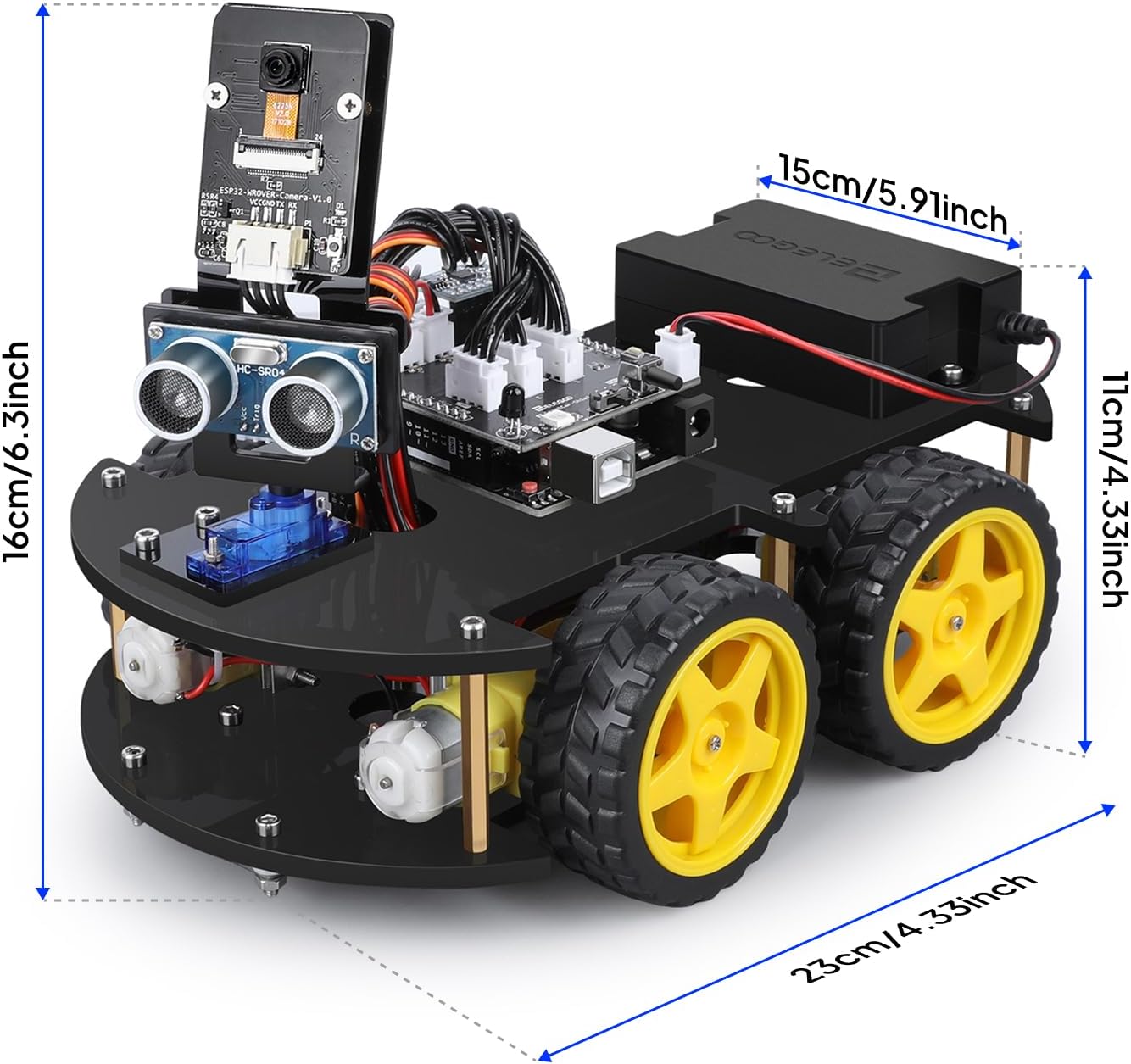
ELEGOO
$79.99
In stock on Amazon
Check price on AmazonOSOYOO Robot Kit (a calibration warning)
We’d be doing you a disservice not to include this one, because it illustrates something important about kit selection. OSOYOO robot kits appear frequently in search results and are priced competitively. But adult reviewers without coding backgrounds consistently describe hitting documentation walls mid-project. One recurring reviewer complaint — appearing in multiple reviews, not a single outlier — describes the experience as demanding that you “be very familiar with computer coding, otherwise very frustrating.”
That’s not a product failure, exactly. It’s a calibration failure — a mismatch between what the marketing implies and what the documentation actually requires. The kit assumes you can debug code when the tutorial skips a step. For learners with development backgrounds, OSOYOO can be a reasonable-value component bundle. For beginners, the absence of video tutorials and the thinner support infrastructure make it a risky first buy.
The Robot Report, in its 2025 educational robotics market overview published at therobotreport.com, makes the case plainly: documentation quality — not component quality — is the primary driver of completion rates in hobby robotics kits. The OSOYOO experience validates that finding at the individual reviewer level. The components are competent; the teaching architecture around them is not.
Who this is right for: Buyers with prior coding experience who want a lower-cost component bundle and don’t need hand-holding through each project stage.
ANTHBOT
$578.99
In stock on Amazon
Check price on AmazonThe AI Integration Question: Real or Marketing Noise?
Several Raspberry Pi kits now market “AI integration” or “ChatGPT compatibility.” Here’s an honest read.
The computer vision features — object detection, line following based on camera input, color tracking — are real, functional, and genuinely educational. These run on-device using Python libraries such as OpenCV and TensorFlow Lite, and they work without an internet connection. They represent actual machine learning in action, not a branded wrapper around a web API.
The cloud AI integrations that reference large language models are technically functional but depend on API keys, live internet connections, and ongoing API costs that continue to evolve. They’re more of a demonstration than a learning exercise at the beginner level — impressive to show someone, less useful for building foundational understanding of how AI systems actually function.
Wired, in its coverage of hobbyist robotics and edge AI computing at wired.com, has consistently observed that on-device AI — edge inference running directly on hardware — represents a more substantive educational experience than cloud-dependent integrations, because learners must understand the data pipeline rather than simply making an API call. If AI integration is your primary motivation, evaluate kits on the strength of their computer vision features. Those are the capabilities that teach you something durable.
Frequently Asked Questions
Do I need programming experience before buying an Arduino or Raspberry Pi robot kit?
For an Arduino kit like the SunFounder Elite Explorer, no. The learning path is designed to introduce coding concepts through physical projects — you learn why a loop matters because your motor stops without it. For a Raspberry Pi kit, basic Python familiarity helps significantly. You don’t need to be a programmer, but being comfortable with the concept of variables and functions will save you several hours of frustration in the first week.
What is the difference between an Arduino kit and a Raspberry Pi robot kit for adult learners?
Arduino kits teach electronics fundamentals and basic programming through simple, immediate cause-and-effect projects. Raspberry Pi kits teach those same fundamentals alongside operating systems, networking, and higher-level programming. Arduino is a narrower, faster path to early confidence. Raspberry Pi is a wider, slower path to a higher long-term ceiling. Neither is wrong — they serve different learners at different stages.
How long does it realistically take to complete a project from one of these kits?
A first Arduino project typically takes one to three hours including setup. A first Raspberry Pi robot project, including operating system installation, library setup, and wiring, typically takes four to eight hours. Full kit completion across all included projects varies enormously — reviewers who engage seriously report one to three months for comprehensive Arduino kits, and six months to a year or more for deep Raspberry Pi robot kits.
Is the ChatGPT or AI integration in Raspberry Pi robot kits real or just marketing?
The computer vision and on-device AI features are real and substantive. Cloud AI integrations are technically functional but require live API access and ongoing costs, and they are not the most educational use of a beginner’s time. Focus on kits that teach camera-based sensing and OpenCV — that is where the genuine learning lives.
What happens when I get stuck — is there real support available?
This is where kit selection matters enormously. SunFounder’s support track record, documented across multiple product lines by adult reviewers, shows overnight response times with substantive answers. Arduino’s community forums, maintained by the Arduino organization, are among the most active in hobby electronics — nearly any error message you encounter has been documented and answered. The Raspberry Pi Foundation maintains extensive official documentation updated with each OS release. Generic kit brands with no named support channel are higher risk; factor that in before purchase.
Can I expand these kits after completing the included projects?
Yes, and this is one of the strongest arguments for Arduino and Raspberry Pi over more closed-platform robot kits. Both ecosystems have large third-party component libraries — sensors, motors, displays, wireless modules — designed to work with standard pinouts. Hackaday’s project database at hackaday.com contains thousands of documented expansions built on exactly these platforms. The kit is a starting point, not a ceiling. Most serious hobbyists find themselves spending as much on components in year two as they spent on the original kit — and they report that as a feature, not a bug.
The Decision Frame
If you want to build something that moves within your first weekend and you have no coding background: start with an Arduino kit, and make documentation quality your primary selection criterion. SunFounder’s video tutorial library is the clearest differentiator in this tier.
If you’re willing to spend your first week on setup in exchange for a platform that can still challenge you two years from now — including genuine computer vision and networked robotics — the Raspberry Pi path, specifically the PiCar-X, earns that time investment. Go in knowing the on-ramp is real work.
If you’re evaluating a generic kit primarily on price: cross-reference the documentation quality and any named support channel before you commit. The Robot Report’s educational robotics market analysis at therobotreport.com makes the case clearly — completion rates are a documentation problem, not a motivation problem. Adult beginners who choose kits with strong video tutorials finish their projects. Those who don’t, don’t. Choose accordingly.