If you’ve ever seen a robot arm on a workbench and wondered how hard it would be to own one — not a $15,000 industrial cobot, just a small desktop arm you can actually afford — this article is for you. A desktop robot arm is a scaled-down, tabletop-sized mechanical arm that mimics the joints and motion of full-size industrial robots. The number next to “DOF” — Degrees of Freedom — tells you how many independent directions the arm can move. Think of each DOF as a joint: more joints generally means more flexibility and the ability to reach awkward angles, much like your own arm can twist, bend, and rotate at the shoulder, elbow, and wrist. Four DOF is roughly elbow-and-shoulder territory. Six DOF gets you closer to full human arm motion including wrist rotation.
Below $300, you can now buy arms across all three configurations — assembled or kit form, Arduino-based or WiFi-enabled. What you can’t always count on is documentation that keeps pace with the hardware. We dug into aggregated owner feedback, published spec comparisons, and community build reports so you can avoid the most expensive mistake in this category: buying the wrong arm for your context and having no support pathway when things go sideways.
| EDITOR'S PICKRobotic Arm for Arduino Coding… | Mid-tierLewanSoul Robotic Arm Kit 6DOF… | Budget pickAdeept 5DOF Robotic Arm Kit Com… | |
|---|---|---|---|
| Degrees of freedom | 6DOF | 6DOF | 5DOF |
| Control options | Wireless/PC/App/Mouse | PC/App | — |
| Display | — | — | OLED |
| Servo count | — | 5 | — |
| Teach-in handle | — | ✓ | — |
| Price | $199.99 | $139.99 | $59.99 |
| See on Amazon → | See on Amazon → | See on Amazon → |
DOF Count: What It Actually Buys You (and What It Doesn’t)
Let’s cut through the marketing framing: in the sub-$300 tier, the difference between 4DOF and 6DOF is not about industrial capability. Every arm in this price range is limited primarily by servo torque (how much rotational force each joint motor can produce), payload (how much weight the gripper can lift), and repeatability (whether the arm returns to the same position consistently). A 6DOF arm with weak servos is less useful for precise pick-and-place tasks than a well-built 4DOF arm with quality motors.
That said, DOF count does matter for concrete reasons — and the three tiers shake out clearly enough that we’ve evaluated them as distinct picks.
4DOF Arms: Speed, Simplicity, and a Hard Ceiling
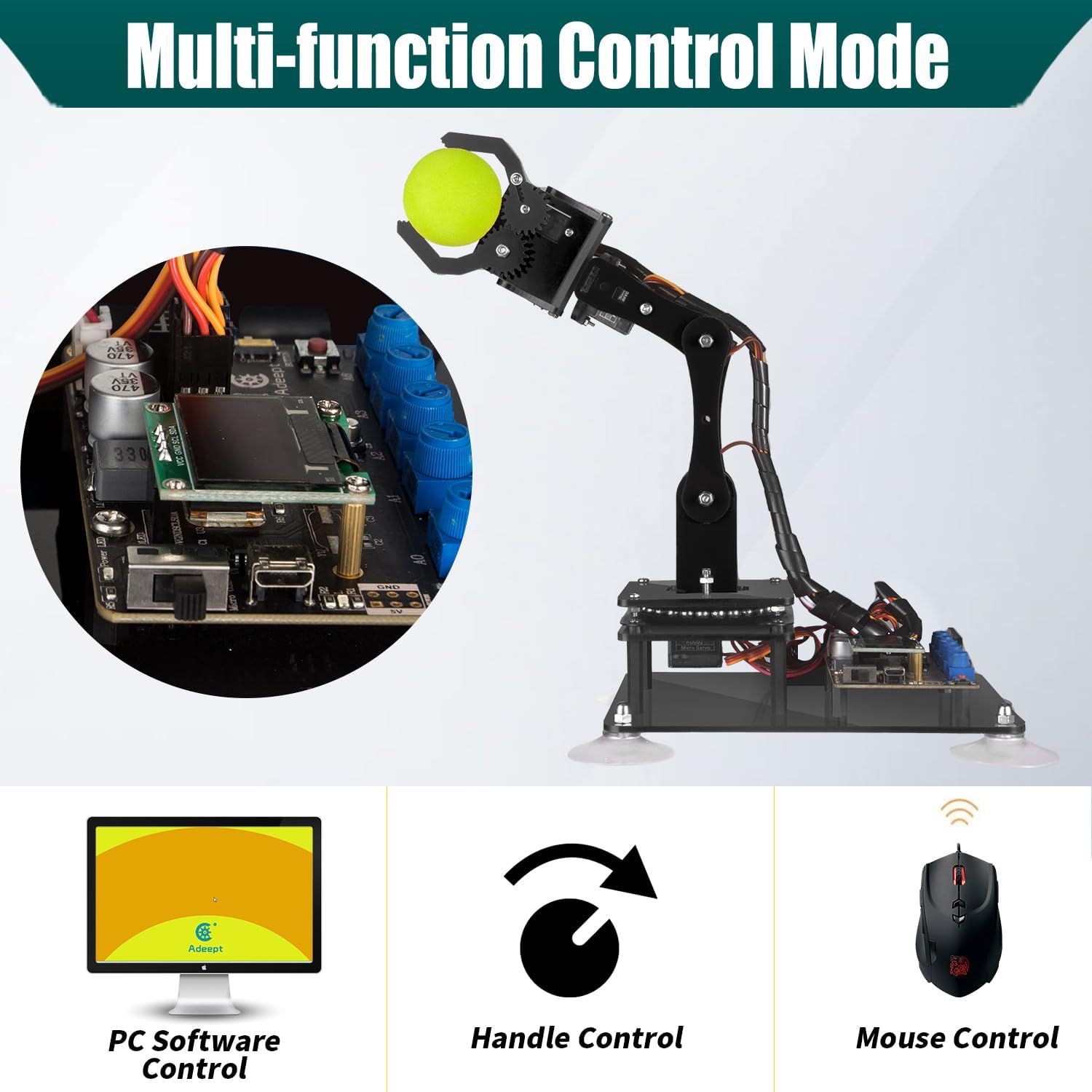
Adeept
$59.99
In stock on Amazon
Check price on AmazonArms like the Waveshare pre-assembled WiFi arm are mechanically simpler, which typically means faster setup, fewer failure points, and more beginner-friendly software. The tradeoff: a 4DOF arm cannot approach a target from multiple angles. If you need to pick something up from the side versus from above, the geometry may simply not allow it cleanly. One owner reviewing the Waveshare arm noted they were up via the WiFi interface in under two minutes and successfully picked up a game controller at full arm extension — a genuinely impressive result for a beginner use case. That same simplicity, however, sets a ceiling early.
Best for: Rapid demos, WiFi and API learning, single-session events where assembly time is itself a constraint. Hidden cost: Shallow motion range limits curriculum depth quickly.
Adeept
$59.99
In stock on Amazon
Check price on Amazon5DOF Arms: The Practical Sweet Spot
LewanSoul
$139.99
In stock on Amazon
Check price on AmazonFive DOF arms, such as the Adeept, add a wrist-pitch joint that opens up approach angles the 4DOF cannot reach. The Adeept’s owner community consistently praises torque at this price point, and assembly reports clock in around two hours with instructions reviewers describe as clear. That’s a meaningful differentiator. Five DOF is arguably the sweet spot for learning: complex enough to teach real robotics concepts, simple enough that the software and mechanical systems stay debuggable by a single instructor.
The customer service story here is worth telling specifically: one owner reported that before a county fair deadline, Adeept proactively shipped replacement plastic parts before being asked. That’s not just nice — it’s a signal about the support infrastructure behind the product. For a solo maker, responsive customer service is a partial documentation substitute. For an educator managing thirty students, it’s still not sufficient on its own, but it sets a meaningfully higher floor than competitors with thinner support.
Best for: Balanced learning projects, STEM classroom deployment, makers who want room to grow. Hidden cost: Post-assembly programming support is better than average but still requires instructor prep.
LewanSoul
$139.99
In stock on Amazon
Check price on Amazon6DOF Arms: Full Kinematics, Real Complexity
Robotic
$199.99
In stock on Amazon
Check price on AmazonSix DOF arms like the LewanSoul LeArm come closest to the kinematic structure of industrial cobots. They’re what most engineering curricula target when students need to understand full spatial manipulation. The LeArm draws consistent praise for its aluminum construction, industrial-grade bearings, and anodized finish — quality signals that matter when you’re running the arm repeatedly over a semester. Assembly videos are described as very clear by multiple buyers.
The catch: one reviewer flagged a pinched servo connector as a quality-control miss, which in a 6DOF arm can cascade into erratic behavior with no obvious cause. Post-assembly programming documentation is also mixed — users who go beyond the default software into custom scripting report that community resources are thin. The arm earns its premium-tier placement on build quality and kinematic depth, not on documentation completeness.
Best for: Curriculum work that maps directly to industrial cobot concepts, advanced makers who can self-research gaps. Hidden cost: Budget extra instructor or personal prep time to supplement the sparse programming documentation.
Robotic
$199.99
In stock on Amazon
Check price on AmazonThe Documentation Problem Nobody Warns You About
Here’s the part that doesn’t show up in the product listing: the documentation gap is the primary risk factor in this category, not the hardware.
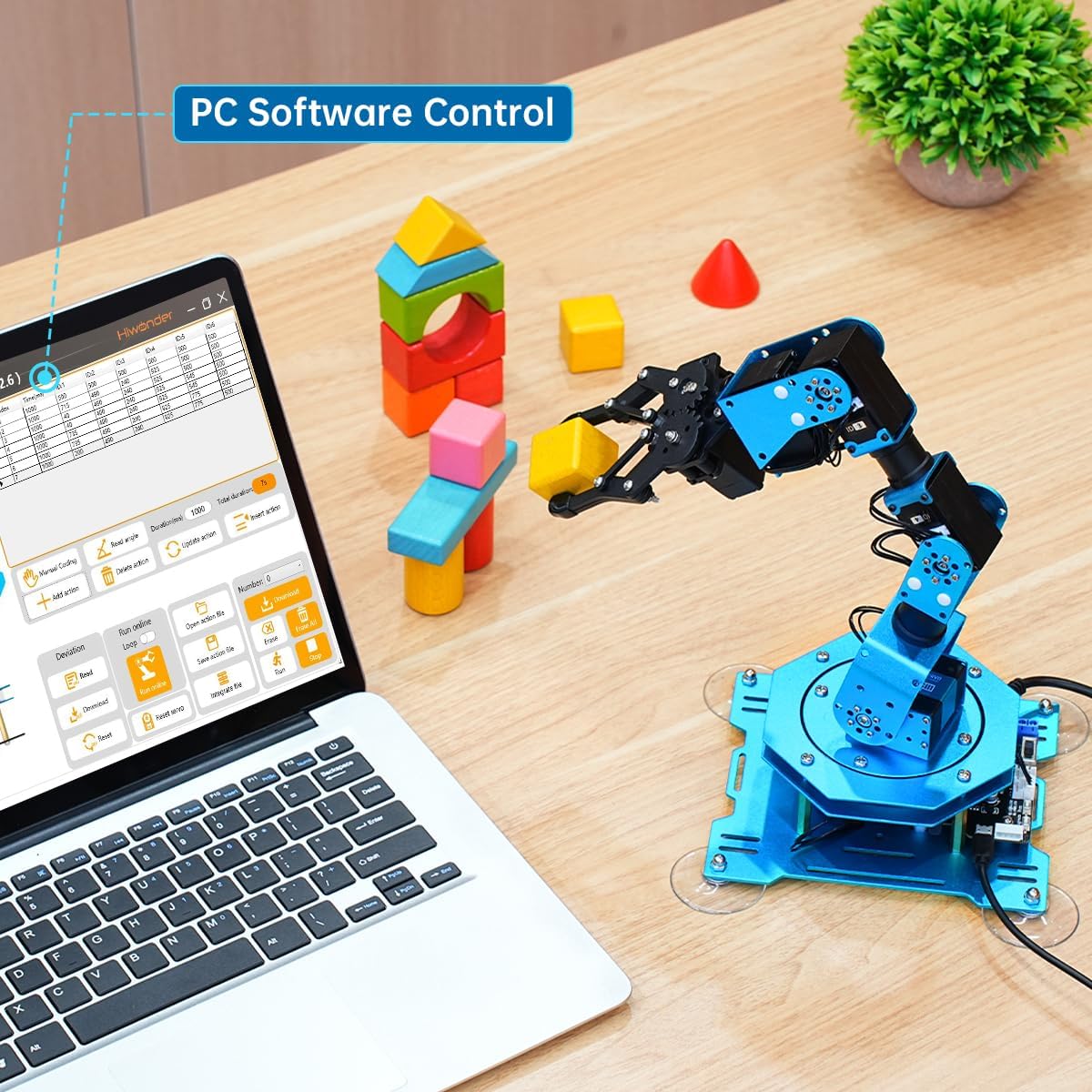
The Hiwonder xArm 1S is a useful case study. Reviewers describe the hardware as well designed and tooled — this is not a cheap-feeling product. But the same reviewers describe the documentation as poor to nonexistent. One educator who purchased the arm for a STEM robotics course reported being able to assemble and test it using the included PC software, but expressed serious concern about long-term use and troubleshooting without adequate reference material. In a classroom, an instructor needs to diagnose a misbehaving arm on the fly, without a support ticket turnaround. If the documentation doesn’t explain what error codes mean or how to recalibrate a servo after a crash, you’re essentially on your own.
This pattern is documented across budget robot arm categories. Community build coverage on Hackaday — specifically in reader-contributed build logs focused on Chinese-manufactured educational robot kits — has noted repeatedly that hardware iterates faster than the English-language manuals that accompany it. IEEE Spectrum’s feature coverage of low-cost educational robotics has flagged the same structural issue: the procurement price looks attractive until you factor in the hours of instructor prep time required to compensate for missing documentation.
Make: Magazine’s robot arm editorial coverage consistently recommends that buyers planning any classroom deployment budget at least four to six hours of instructor preparation time on top of assembly — specifically to pre-answer questions the documentation doesn’t. The Robot Report’s educational arm market coverage echoes this: the instructor-prep cost is the hidden line item in every budget robot arm purchase for institutional use.
Battery and Hidden-Cost Surprises
Two arms in this category have generated real buyer frustration over battery requirements: the ESP32 MicroPython arm and the ACEBOTT combination arm-plus-tank kit.
Both require 18650 lithium-ion cells — a specific cylindrical battery format used in flashlights, laptops, and power banks. Neither listing discloses this clearly before purchase. The ACEBOTT situation is particularly sharp: a one-star review explicitly calls out the undisclosed 18650 button-top battery requirement as a serious omission. Button-top means a slightly different terminal format than flat-top cells, which matters for compatibility. For a kit marketed toward a fourteen-year-old who enjoys coding, showing up on day one and discovering the arm can’t power on because of an unlisted specialty battery is a legitimately bad experience.
The ESP32 MicroPython arm adds a second layer: owners report intermittent erratic motion that doesn’t resolve with a reset and hasn’t been explained in available documentation. Whether that’s a power-delivery issue from underpowered cells, a firmware bug, or an interference problem, nobody can say with confidence — because the documentation doesn’t cover it.
If you’re buying for a classroom or a timed project — a county fair, a competition, a scheduled demo — the battery situation alone should drive you toward USB-powered or wall-adapter arms. The Waveshare 4DOF and the Adeept 5DOF both avoid this specific headache.
Programming Without Prior Coding Experience
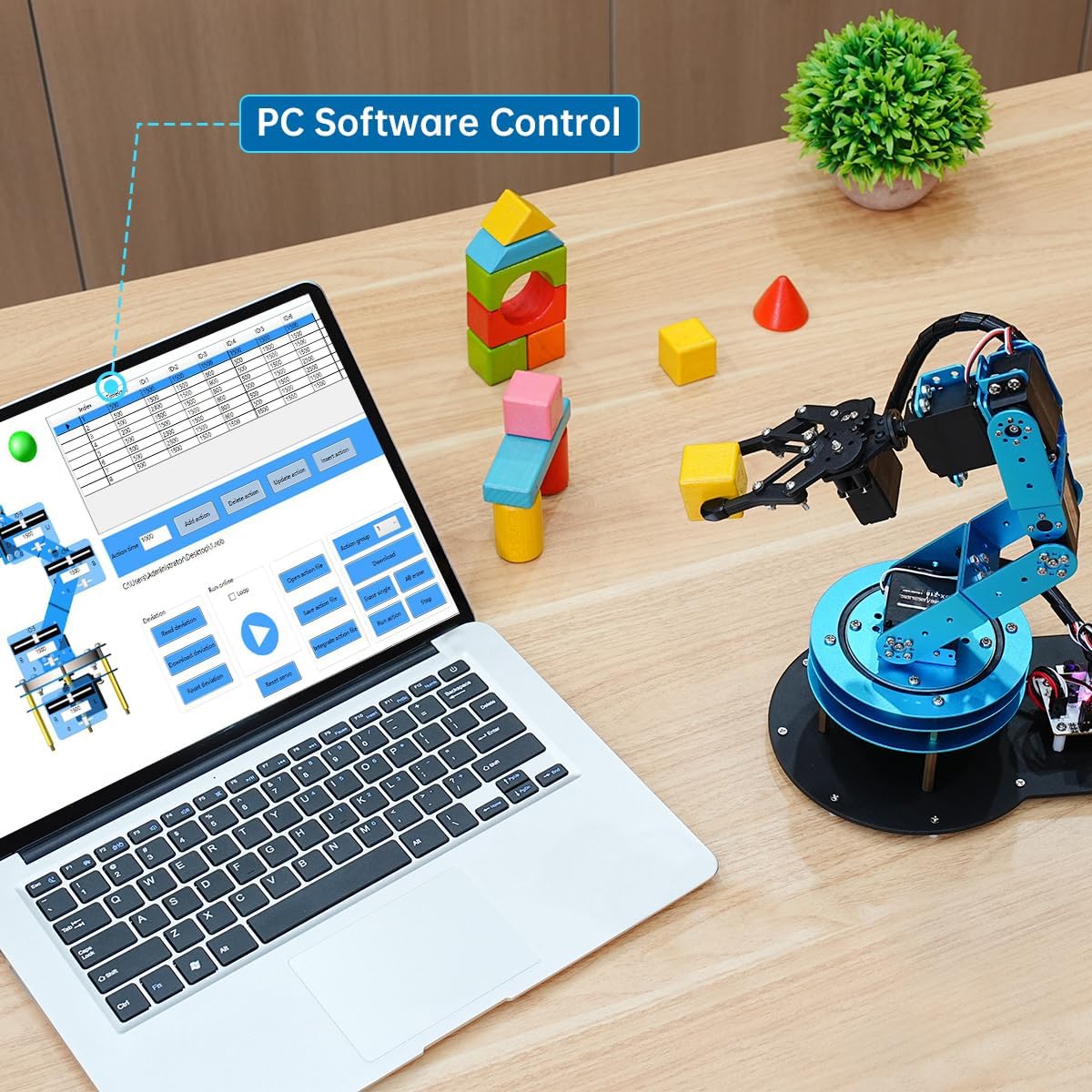
Most arms in this category ship with some flavor of a PC-based graphical interface — software that lets you drag sliders or record positions without writing code. For absolute beginners, this is the right starting point.
The honest assessment: PC software is enough to make the arm move. It is not enough to build anything meaningful. Within a few sessions, most users hit the ceiling of what drag-and-drop control can teach, and the transition to actual programming — Arduino C++, MicroPython, or ROS-based interfaces — is where the documentation gap bites hardest.
The Waveshare WiFi arm is an outlier here because its interface is browser-based and the WiFi API is genuinely accessible for someone learning web-connected hardware. The ACEBOTT kit’s strength for its target age group is that it bridges hardware and coding through a structured kit format — when it works, it works well as a learning ramp. The Hiwonder xArm 1S PC software gets you started but leaves you stranded when you want to go further. Hackaday community build logs describe this exact transition point — from included software to real code — as the moment most budget arm buyers discover the documentation problem for the first time.
Frequently Asked Questions
What is the real difference between 5DOF and 6DOF for a beginner or hobbyist? In practical terms: a 5DOF arm can approach most targets from above and at angles. A 6DOF arm adds a wrist-roll joint that lets it approach from nearly any direction and orient the gripper independently of the arm path. For most beginner projects, the 5DOF is plenty. The 6DOF matters when you’re teaching kinematic concepts that map directly to industrial cobot programming.
Does the Waveshare pre-assembled arm actually require no assembly at all? Based on owner reports, it comes close. Reviewers describe being connected and operational via WiFi in under two minutes — effectively plug-in-and-use. There may be minor physical setup such as attaching a gripper, but this is not a kit-assembly product. It’s the right choice when assembly time is itself a constraint.
What batteries do these arms require and are they included? Most USB-powered arms — the Adeept, LewanSoul, and Hiwonder — draw power from the included adapter or a standard USB port. No special batteries required. The ESP32 MicroPython arm and the ACEBOTT kit both require 18650 lithium-ion cells, which are not included and not clearly disclosed in product listings. If you buy either of those, source button-top 18650 cells separately before your project day.
How do you program these arms without prior coding experience? All of the arms reviewed here ship with some graphical PC software for basic movement. That’s your entry point. For anything beyond recording positions and playing them back, you’ll need to learn some code — Arduino C++ for the LeArm and Adeept, MicroPython for the ESP32 arm, or the Waveshare’s HTTP API. None of these are prohibitively hard, but none are optional if you want the arm to do real work.
Which arm has the best customer support if something breaks during assembly? Based on aggregated owner experience, Adeept stands out — the proactive replacement-parts story before a county fair deadline is a concrete, documented signal of responsive support. LewanSoul has an established community presence and assembly documentation that reduces the need for support contact. Hiwonder’s hardware quality is praised, but the support pathway for documentation gaps is thin.
Can any of these arms be used in a classroom STEM setting without extensive instructor preparation? The Adeept 5DOF and Waveshare 4DOF come closest, but even then, plan for a minimum of four to six hours of instructor prep regardless of which arm you choose — a figure consistent with Make: Magazine’s editorial recommendations and The Robot Report’s educational market coverage. Arms with clearer assembly documentation reduce that burden; the Hiwonder’s documentation gap increases it significantly.
The Decision Rule
If you’re an educator buying for a classroom with limited prep time: the Adeept 5DOF’s combination of clear instructions, responsive customer service, and no battery-sourcing surprises makes it the lowest-risk choice.
If you need zero-assembly for a quick demo or single-session event: the Waveshare 4DOF is the pragmatic call.
If you’re building a curriculum that maps to industrial cobot concepts and you have time to invest in setup: the LewanSoul LeArm 6DOF’s build quality justifies the extra complexity — just budget time to supplement the post-assembly documentation yourself.
If you’re looking at the ESP32 or ACEBOTT kits: they’re compelling for the right learner in a low-pressure context, but resolve the battery situation before you’re on a deadline, and go in with eyes open about the erratic-motion reports.
The hardware in this category has genuinely caught up to its price points. The documentation hasn’t. That gap is the real purchase decision.