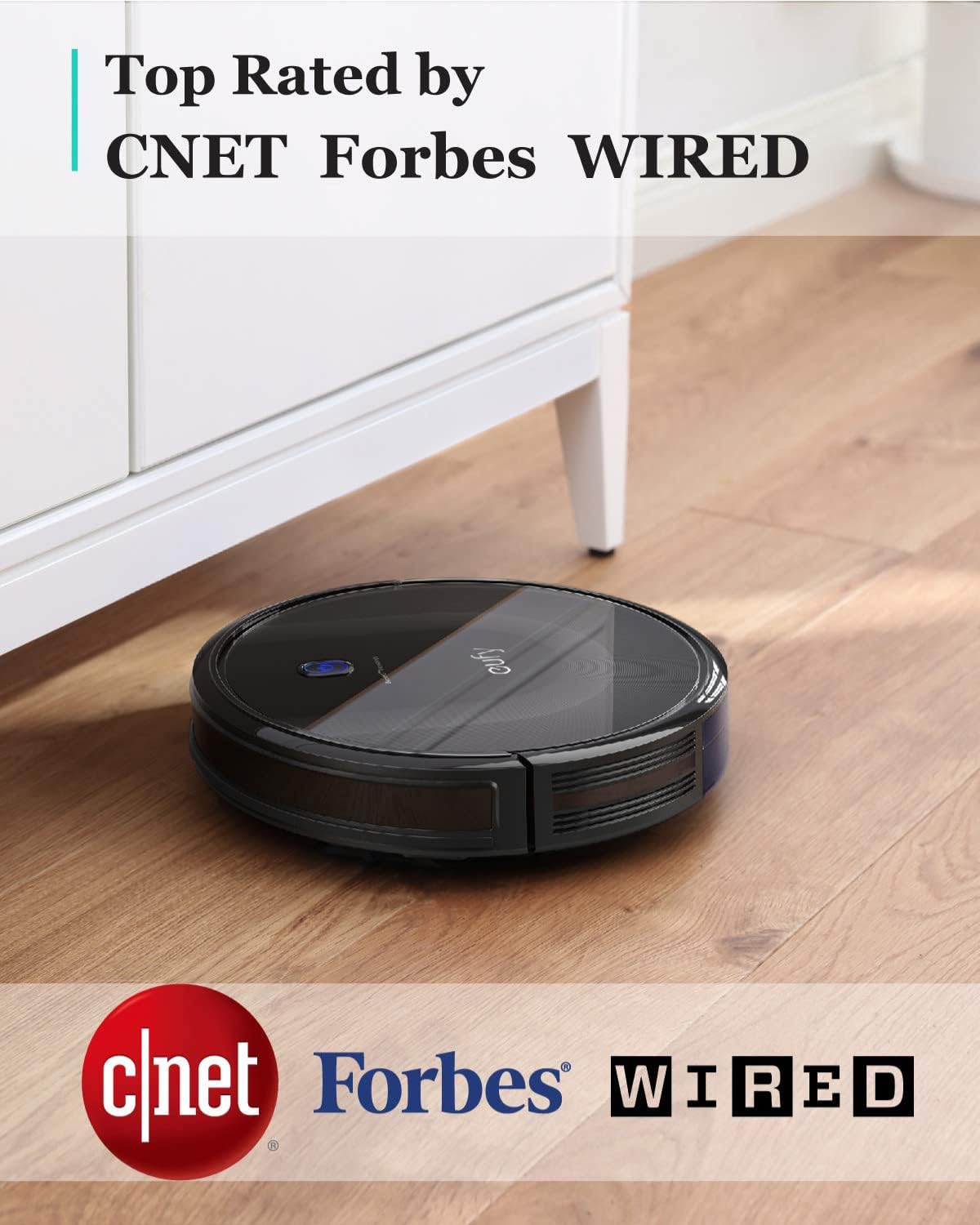
A robot vacuum is exactly what it sounds like: a disc-shaped, autonomous machine that rolls around your floors on its own, picking up dirt, dust, and pet hair without you pushing anything. You set it loose — either on a schedule or with a tap in an app — and it navigates the room, returns to its charging dock when finished, and waits for the next session. The appeal is obvious. The reality of week one, though, is more nuanced than the product listing lets on. Whether you’re eyeing a sub-$200 entry-level unit like the eufy 11S MAX or stepping up to a fully mapped, self-emptying system like the Roborock Q7 Max+, the first week as an owner almost always delivers at least one genuine surprise. This guide is built entirely from that first-week experience — what owners consistently report discovering, where the friction hides, and how to make a smarter call before you commit.
| EDITOR'S PICKeufy Robot Vacuum 11S MAX | Mid-tierTikom Robot Vacuum and Mop Combo | Budget pickroborock Q7 L5 Robot Vacuum and… | |
|---|---|---|---|
| Mop function | ✗ | ✓ | ✓ |
| Suction power | — | 5000Pa | 8000Pa |
| Runtime | — | 150 min | — |
| Navigation | — | — | LiDAR |
| App control | — | ✓ | — |
| Remote | — | ✓ | — |
| Price | $159.99 | $149.99 | $139.99 |
| See on Amazon → | See on Amazon → | See on Amazon → |
The Floor-Clean Illusion (and Why It Matters for Your Expectations)
Here’s the most consistent emotional note across first-time owner reviews: people are genuinely startled by how much debris their robot collects on what they thought were already-clean floors. A eufy 11S MAX owner whose review is cited in The New York Times Wirecutter community comments wrote that they “honestly thought our floors were already clean” — until the bin came back full of dust, hair, and grit they hadn’t noticed. This isn’t a fluke. The Robot Report’s 2024–2025 consumer adoption survey notes that “frequency of use” rather than “cleaning depth” is where robot vacuums consistently outperform manual routines. A robot running daily at 10 p.m. catches accumulation that a human vacuuming once a week never sees building up.
The implication for your purchase decision: don’t judge a robot vacuum’s capability by a single trial run on a day you already swept. Give it a full week of daily runs before drawing any conclusions about performance. The machine’s real value proposition is regularity, not raw suction power. If you’re comparing an 1,800 Pa suction unit against a 2,500 Pa unit, understand that the difference matters most on thick rugs — on hard floors and low-pile carpet, the frequency advantage largely equalizes the gap.
By the numbers — what a week of daily runs typically reveals:
- Run 1: Noticeably full bin on floors owners considered “clean”
- Runs 2–4: Bin volume drops 40–60% as baseline accumulation clears
- Runs 5–7: Steady-state maintenance load — the robot earns its keep here
Setup Speed vs. App Learning Curve: Two Very Different Timelines
Owners consistently split into two camps in week-one reviews. The first camp is delighted by raw setup speed. Tikom owners widely report sub-five-minute setup from box to first run, and that experience tracks with Wired’s 2024 assessment that modern entry-level robots have “largely solved the out-of-box friction problem” at the hardware level. Plug in the dock, charge the unit, press a button — you’re vacuuming.
The second camp hits the app wall. This is where the real week-one learning happens, and it’s where product tier makes a tangible difference.
Entry-level units (sub-$300): App is optional or minimal. The robot runs a random-bounce or simple wall-following pattern. You get cleaning, not control. The trade-off: no zone restrictions, no scheduled room-by-room runs, no real map. An ILIFE V2 owner who named their robot “Simon” and ran it immediately on an incomplete charge got 10 minutes of runtime before it died — a pattern that recurs across low-end reviews and traces back to a genuine spec reality: smaller batteries need a full initial charge cycle (typically 4–5 hours) before the first real run, a step many users skip because the manual buries it.
Mid-range units ($300–$700): LiDAR mapping (a laser-based navigation system that builds a floor plan of your home) or camera-based navigation enters the picture. This is where app configuration becomes genuinely useful — and genuinely requires patience. Roborock Q7 Max+ owners in aggregated reviews praise the app setup experience as polished, but consistently flag that mop/vacuum zone configuration has a learning curve. Expect to spend 30–45 minutes getting zone boundaries, no-go lines, and mopping intensity settings dialed in. That’s not a flaw; it’s the cost of actual control.
The decision frame here: If you want set-it-and-forget-it, buy below $300 and accept that the robot chooses its own path. If you want zone control and scheduled room sequencing, budget at least $400 and budget a weekend afternoon for the app.
The Furniture-Moving Problem Nobody Mentions in the Listing
Lefant owners consistently report a specific frustration that doesn’t appear anywhere in marketing copy: when you rearrange furniture, the robot gets confused. This isn’t a Lefant-specific issue — it’s a navigation architecture issue. Camera-based and LiDAR systems build a map of your home as it was during the initial mapping run. Move a couch, add a chair, shift a rug — and the robot’s internal map no longer matches reality. Some units handle this gracefully with automatic re-mapping; many entry and mid-range units require you to manually trigger a new map build or factory reset the floor plan.
Robotics and Automation News’ 2025 home robotics adoption report highlights this as one of the top three sources of owner dissatisfaction in the first 90 days of ownership — right behind battery runtime and right ahead of brush tangling from long hair.
What to check before buying: Look specifically for whether a unit supports “incremental map updates” or “dynamic obstacle avoidance.” Higher-end units like the Roborock S8 series use real-time obstacle sensors alongside stored maps and handle furniture changes much more gracefully. Budget units running bump-and-turn navigation actually fare better than mid-range map-based units in this scenario — they have no map to contradict, so they just bounce around whatever’s in front of them.
The Self-Emptying Dock Question: Is It Worth It at Entry Level?
The self-emptying dock — a base station that automatically sucks the robot’s dustbin into a larger onboard bag — is genuinely transformative for some households and genuinely unnecessary for others. Here’s the honest trade-off analysis:
The case for it: A Roomba j7+ (or the 105 AutoEmpty variant in some regional SKUs) owner cited in aggregated review threads reported being so impressed with the auto-empty function that they immediately purchased two additional units for different floors of their home. For pet-hair-heavy households or anyone with allergies, not having to manually empty a small bin every 1–2 runs is a real quality-of-life upgrade. The New York Times Wirecutter’s 2025 robot vacuum guide explicitly recommends self-emptying systems for households with pets or anyone likely to forget bin maintenance.
The case against it (for first-timers): Self-emptying docks add $100–$250 to the system price, require proprietary bags (a recurring cost of roughly $15–$25 per 4-pack), and make the dock footprint significantly larger. If you’re not sure you’ll keep the robot — or you’re buying one to test the concept before committing — a standard dock is fine. You can always upgrade later.
The math: At 3 bag replacements per year at $20/pack, you’re paying $60 annually for the convenience. If that trade-off feels obvious, buy the self-emptying system. If it feels like waste, start standard.
Frequently Asked Questions
Do I need to robot-proof my house before the first run?
Partially, yes. You don’t need to do a deep overhaul, but a quick pass through the room pays dividends. Pick up loose charging cables (robots eat them), move small rugs with curled edges (a common entrapment point), and clear any low-hanging curtains or fabric that brushes the floor. Don’t stress about furniture legs — most robots handle them fine. Think of it as a 10-minute safety lap, not a renovation.
How long should I charge a robot vacuum before its first use?
Almost every manufacturer recommends a full charge before the first run, typically 4–6 hours depending on battery size. As the ILIFE V2 “Simon” story illustrates, skipping this step produces a frustrating 10-minute runtime that reads as a defect but is actually user error. Charge fully first. Every time.
Will a robot vacuum replace my regular vacuum entirely?
For most households, no — and that’s okay. Robot vacuums excel at daily surface maintenance: hair, dust, crumbs, light debris. They struggle at edges and corners, they can’t handle stairs, and they aren’t designed for deep-cleaning high-pile carpet. The realistic use case is that your upright or canister vacuum runs monthly or on deep-clean days, and the robot handles everything in between. Wired’s 2024 assessment puts it well: robot vacuums “change the frequency equation, not the ceiling.”
What floors work best with entry-level robot vacuums?
Hard floors — hardwood, tile, laminate, vinyl plank — are where entry-level robots shine unconditionally. Low-pile carpet (under 10mm pile height) is generally fine. High-pile, shag, or thick area rugs can overwhelm lower-suction units and sometimes trigger cliff sensors incorrectly. If your home is predominantly hard floor with area rugs, virtually any entry-level unit will serve you well.
How do I stop my robot vacuum from getting stuck under furniture?
Two approaches work. First, physical: furniture risers or door draft stoppers placed strategically can block access to problem areas. Second, digital: if your robot supports virtual no-go zones or magnetic boundary strips, use them to fence off the underside of low couches or beds. If your robot has neither — as most true entry-level units don’t — the physical approach is your only option.
Is a self-emptying dock worth it for a first-time buyer?
It depends on your household. Pet owners and allergy sufferers: yes, the self-emptying dock earns its premium quickly. Single-person households with mostly hard floors and modest debris load: start with a standard unit and re-evaluate after 90 days. The self-emptying feature is genuinely delightful once you have it, but it’s not a prerequisite for a successful first robot vacuum experience.
The Decision Rule: Matching the Machine to Your Week-One Reality
If you want a clear “if X, then Y” framework:
-
If your primary goal is daily maintenance on hard floors, budget under $300, and you want minimal setup friction → an entry-level bump-navigation unit like the eufy 11S MAX or Tikom G8000 Pro is the right call. Expect no app, no map, excellent simplicity.
-
If you have pets, allergies, or a multi-room home where you want zone control → step to the $400–$700 range, accept the app learning curve, and seriously consider a self-emptying dock. The Roborock Q7 Max+ is the name that keeps surfacing in aggregated reviews for this tier.
-
If you move furniture regularly or have an unconventional floor plan → prioritize dynamic obstacle avoidance in the spec sheet, and budget accordingly. Map-based systems without this feature will frustrate you every time the room changes.
Week one will surprise you regardless of which unit you choose. Plan for the first charge, do the 10-minute room pass, and give the robot a full week before you judge it. The owners who love their robots almost universally made that bet — and came back to buy more units for other floors.