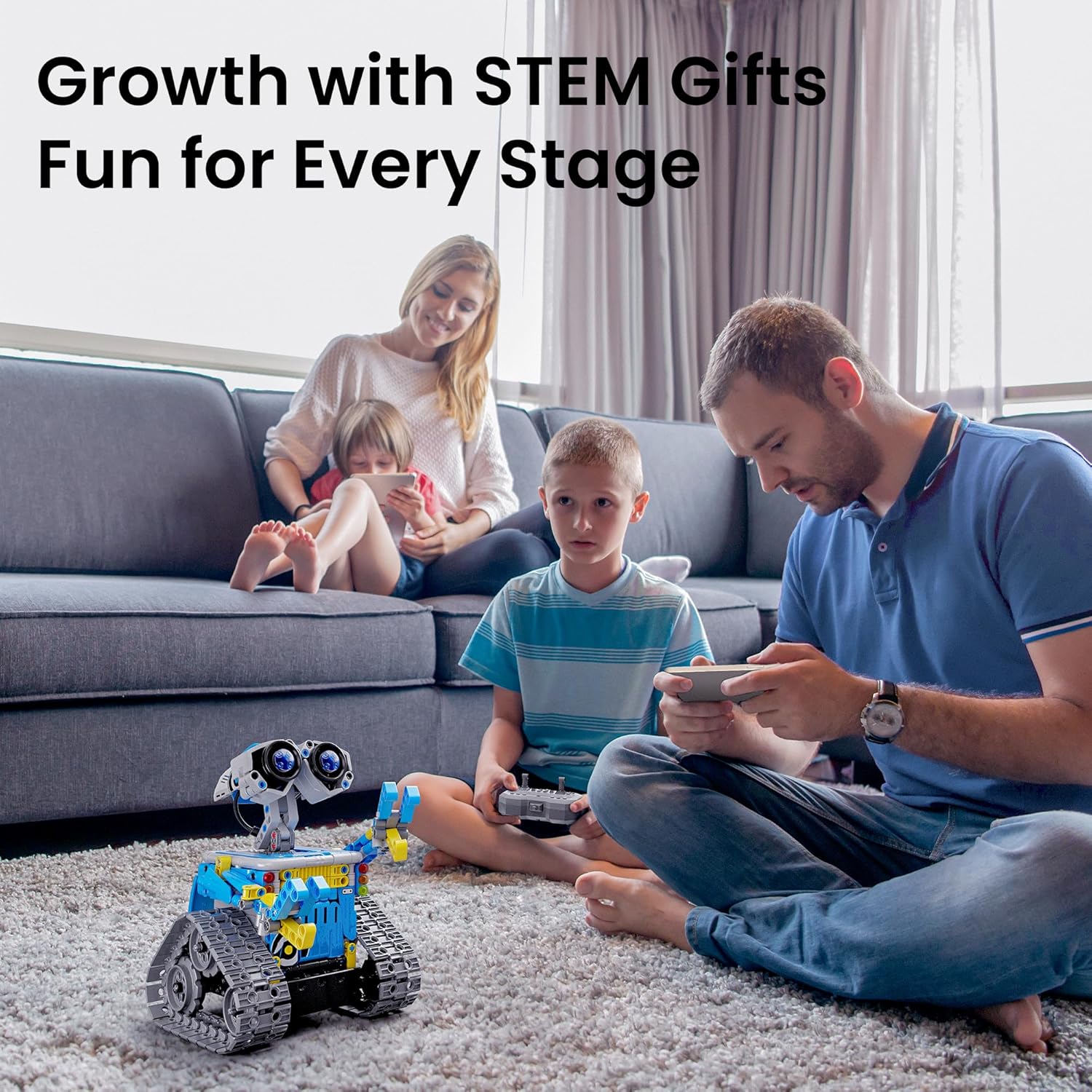
If your child has ever stared at a cardboard box, convinced the toy inside would hold their attention for longer than a holiday afternoon, you already understand the real question here. This article compares two distinct categories of kids’ robot kits for ages 8–12: RC block builder kits (kits where you physically snap or screw together a robot from numbered parts and then drive or interact with it using a remote or app) and programmable coding robots (kits where the build is part of the experience, but the real draw is teaching the child to write simple instructions — called code — that make the robot behave differently each time). These aren’t the same product, and which one holds a child’s attention longer depends on variables that reviews rarely surface clearly. We’ve dug through hundreds of owner reports, educator accounts, and published product documentation so you don’t have to guess.
| EDITOR'S PICKApitor Robot X Robot Building K… | Mid-tierELEGOO UNO R3 Smart Robot Car K… | Budget pickSillbird 12-in-1 Solar Robot Bu… | |
|---|---|---|---|
| Build options | 12-in-1 | — | 12-in-1 |
| Piece count | 600 | — | 190 |
| Control method | App + RC | — | Solar |
| Coding | ✓ | ✓ | — |
| Ages | 8–12 | 8–16 | 8–13 |
| Board included | — | UNO R3 | — |
| Price | $99.99 | $79.99 | $19.99 |
| See on Amazon → | See on Amazon → | See on Amazon → |
The Core Tension: Instant Payoff vs. Compounding Skill
This is the fundamental trade-off, and getting it wrong costs you $50–$150 and two weeks of pestering. RC block builder kits deliver a dopamine hit on day one — a completed robot that moves, reacts, and looks genuinely cool. Programmable coding robots take longer to reward the child, but when they click, they tend to produce that disappearing-into-their-room behavior that every parent recognizes as genuine engagement rather than novelty.
Understanding this distinction before purchase is the single most important move a parent can make. The sections below break each category into honest sub-comparisons, organized by age fit, budget, and long-term replay value so you can match the kit to the specific child rather than to the marketing copy on the box.
RC Block Builder Kits: What the Evidence Actually Shows
The Sillbird 5-in-1 RC Robot Kit: Strong Entry-Level Case
The Sillbird 5-in-1 RC Robot Kit is one of the most-reviewed kits in this price tier, and the pattern across aggregated Amazon verified purchase reviews (2024–2025) is remarkably consistent: parents and grandparents alike keep returning to the same phrase — “sweet spot.” Reviewers note that 8-year-olds routinely complete the build with minimal adult help, with several grandparent accounts specifically calling out that it scratches the itch for kids interested in electrical engineering without requiring soldering or frustrating micro-component steps.
The WALL-E visual resemblance is cited repeatedly as the initial hook that gets kids invested before they’ve even opened the instruction booklet — a meaningful detail, because intrinsic motivation to start a build predicts whether a child finishes it. Five distinct build configurations mean the kit doesn’t become static after the first afternoon; a child who masters the primary configuration has four additional targets to chase.
Sillbird
$19.99
In stock on Amazon
Check price on AmazonThe Sillbird 12-in-1 Solar Robot Kit: The Sunlight Problem
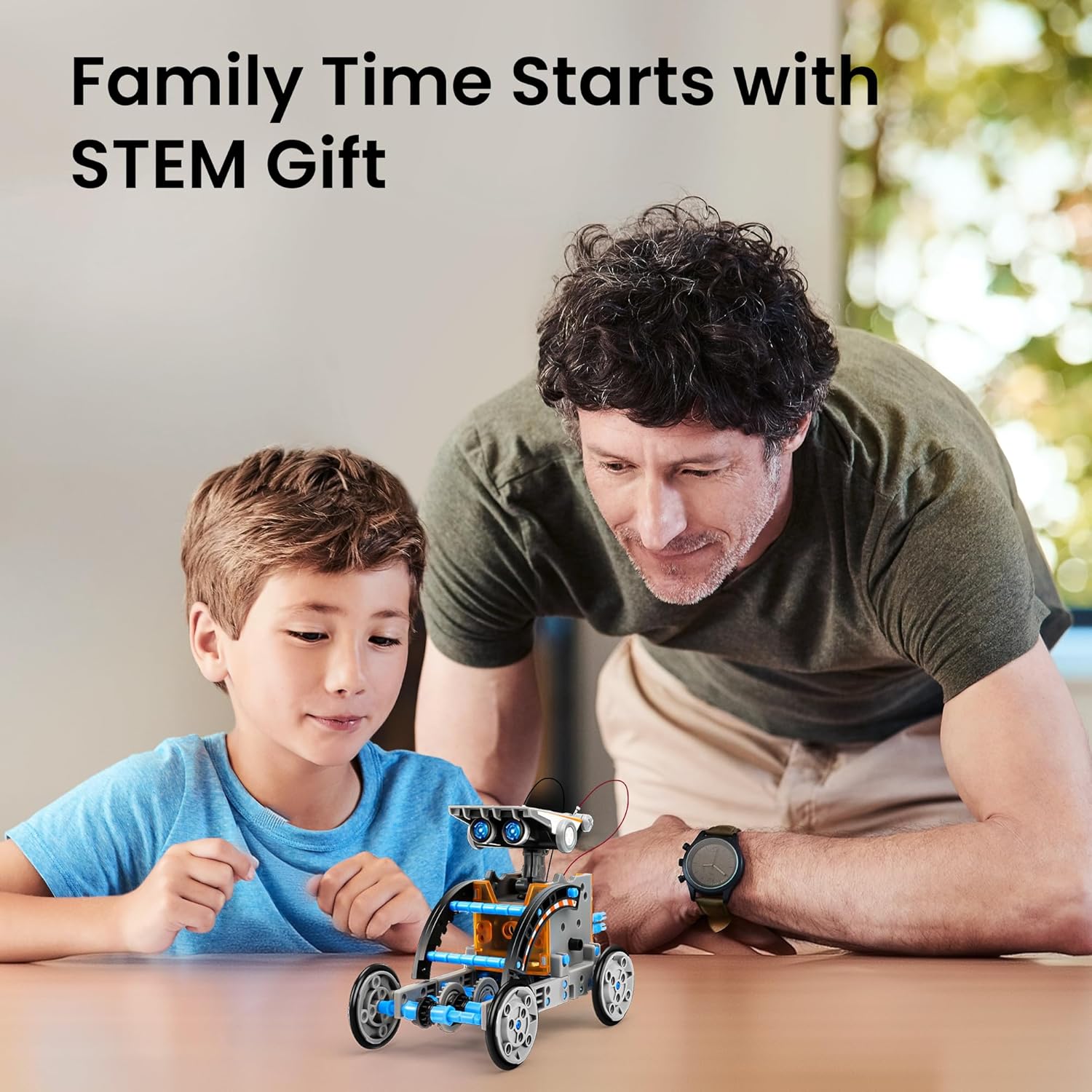
The Sillbird 12-in-1 Solar Robot Kit is where reviewers get more complicated. The solar panel-powered design is an elegant concept that teaches real energy conversion principles, but a recurring and significant complaint across multiple aggregated verified purchase reviews is that the solar panel requires strong, direct sunlight — it does not function meaningfully under indoor LED lighting or in overcast conditions.
This isn’t a minor inconvenience; it’s a structural limitation that affects usability on most winter days and in most U.S. climates during school months. Buyers in consistently sunny climates rate it highly. Everyone else should factor this in honestly before purchasing.
Sunlight availability estimate by region (October–April):
- Seattle average sunny days: approximately 28 of 212
- Phoenix average sunny days: approximately 153 of 212
- Indoor LED intensity: roughly 500–1,000 lux vs. 50,000–100,000 lux in direct sun
That gap is not bridgeable. The solar kit is a strong purchase in Phoenix or Miami; it is a potentially frustrating one in Boston or Portland. If indoor use or year-round reliability matters, the 5-in-1 RC kit — which runs on batteries — is the safer choice.
Sillbird
$19.99
In stock on Amazon
Check price on AmazonThe Opmind Kit: LEGO Compatibility as a Replay Multiplier
The Opmind kit earns a mention for a reason that doesn’t appear on most comparison lists: its compatibility with standard LEGO bricks. Reviewers cite this as a genuine long-term value multiplier, because a child who already owns LEGO can extend and modify their Opmind build using parts already in the house. That interoperability significantly extends replay value without requiring additional purchases — a meaningful differentiator in a category where most kits are closed ecosystems.
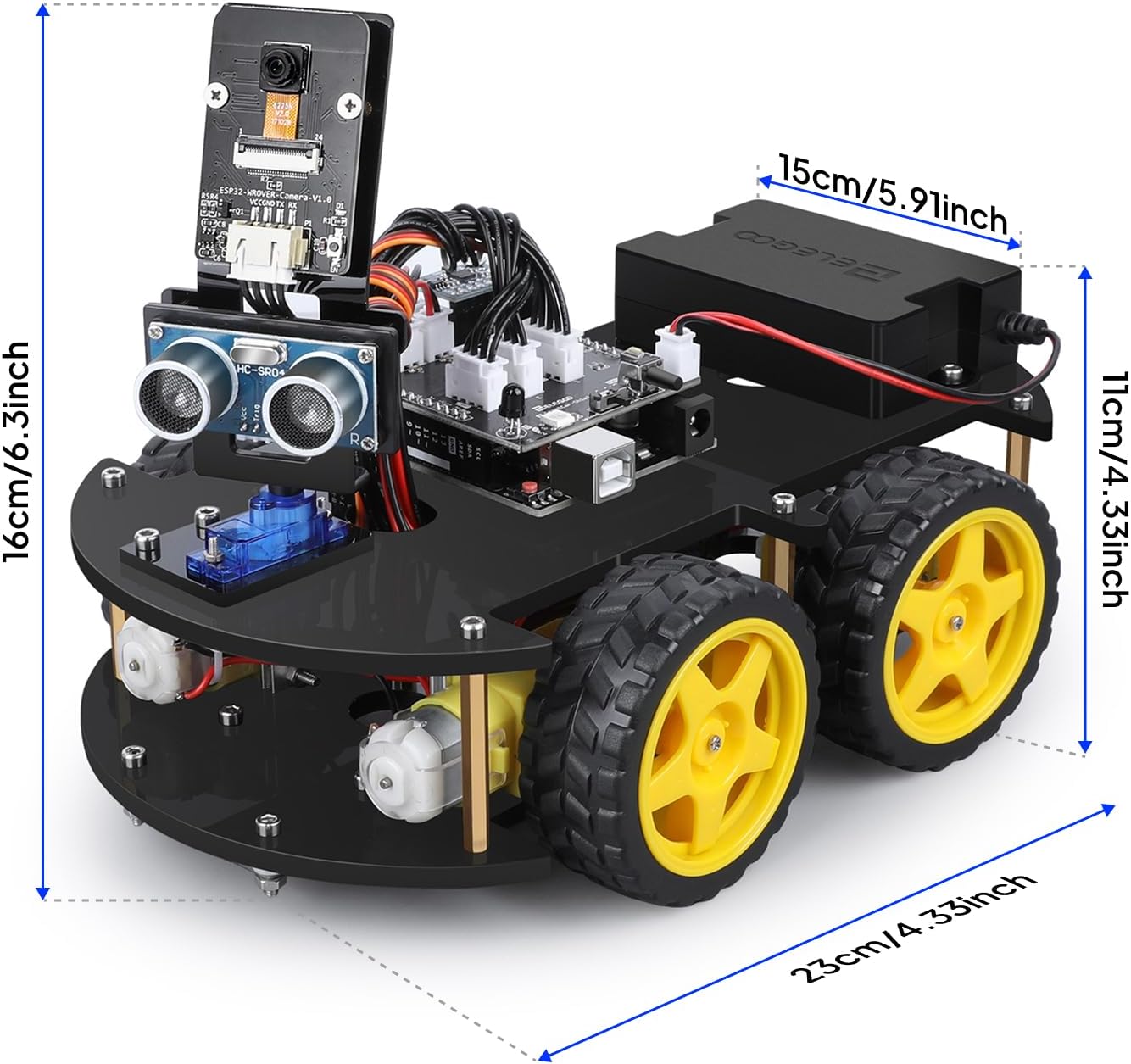
ELEGOO
$79.99
In stock on Amazon
Check price on AmazonProgrammable Coding Robots: Deeper Engagement, Higher Patience Cost
The mBot by Makeblock: Educationally Validated, Bluetooth Caveat Required
The mBot by Makeblock is the most educationally validated kit in this comparison. The Makeblock mBot official product documentation and curriculum guide (Makeblock Education, 2024) confirms the platform integrates directly with Scratch 3.0 — the block-based visual programming language developed at MIT that lets kids snap together command blocks instead of typing text. That integration gives the mBot immediate classroom credibility and a clear skill progression path that most RC kits cannot match.
A children’s nonprofit that incorporated the mBot into structured programming sessions reported, in program notes referenced across aggregated reviews, that even children younger than 8 engaged successfully with the Scratch-based interface when given structured guidance. For self-directed home use, the independent learning curve is steeper, but reviewers consistently describe a tipping point — usually around the second or third coding session — where the child stops asking for help and starts experimenting.
IEEE Spectrum, in its reporting on physical coding robots in educational settings (2023), supports what the owner reviews show: the learning value of physical, embodied coding — where the code makes something move in the real world — is meaningfully higher than screen-only coding alternatives, but only when hardware reliability matches the pedagogical intent. That qualifier matters, because the mBot has a known reliability gap.
The friction point that surfaces consistently across aggregated Amazon verified purchase reviews (2024–2025) is Bluetooth reconnection. When the mBot loses its Bluetooth connection — which happens with the ordinary frequency of any budget-tier wireless hardware — re-establishing that connection typically requires adult intervention for children under 10 or 11. Reviewers describe it as a “minor but repeated” interruption that breaks the creative flow at the worst possible moments. Plan for this as an ongoing, occasional task rather than a one-time setup issue.
ELEGOO
$79.99
In stock on Amazon
Check price on AmazonThe Apitor Robot X: The Christmas Day Signal
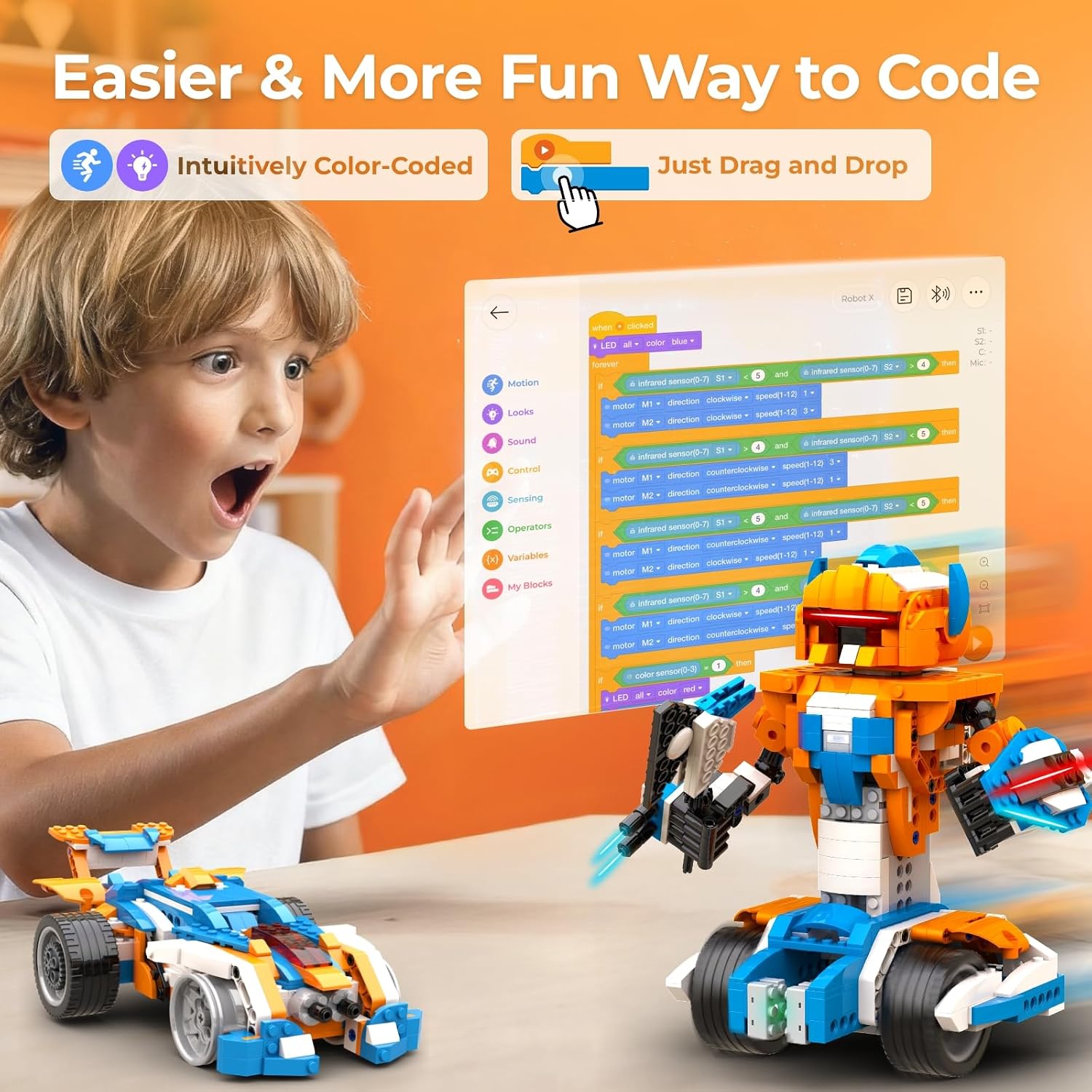
Apitor Robot X owners produce one of the most reliable engagement signals in the review corpus: the “disappeared for hours” pattern. Multiple reviewers in aggregated Amazon verified purchase reviews (2024–2025), including one account describing Christmas Day specifically, note that the child took the kit to another room and wasn’t heard from again for the better part of an afternoon. That’s the signal you’re looking for — not “they played with it for 20 minutes,” but genuinely self-directed sustained engagement.
The companion app is the key differentiator. Owners specifically praise the Apitor app as polished and intuitive — a meaningful claim in a product category where companion apps are consistently the weakest link. No significant platform-specific complaints emerge across iOS or Android in the aggregated review data. Multiple build configurations extend the kit’s life beyond the first build, and the coding component means the toy’s behavioral ceiling is not fixed at day one.
Make.co, in its 2024 roundup of best robot kits for kids, echoes the pattern visible in owner data: kits with the highest long-term satisfaction scores are consistently those with some form of user-modifiable behavior — whether through physical reconfiguration (multi-build RC kits) or coding (programmable platforms). The Apitor Robot X provides both.
Apitor
$99.99
In stock on Amazon
Check price on AmazonHead-to-Head Decision Framework
Here’s the honest practitioner framework. These reflect the weight of evidence from owner reports, educator use, and published product documentation — not universal rules.
If the child is 8–9 and primarily motivated by building: RC block builder kits, specifically the Sillbird 5-in-1, are the better starting point. The build is substantial enough to feel like an achievement, the visual payoff is strong, and the independent-completion rate reported by parents suggests the frustration threshold is calibrated well for this age.
If the child is 10–12 and has shown any interest in how things work: The mBot or Apitor Robot X produces deeper long-term engagement. The coding component means the toy doesn’t become static after day one. A child who has exhausted the RC modes on a block builder has nowhere to go; a child who has mastered entry-level Scratch blocks on an mBot has a visible progression path into real programming logic.
If budget is a constraint and the child is curious but untested: The solar limitation on the Sillbird 12-in-1 makes it a riskier purchase than it appears. It’s priced attractively, but the sunlight dependency is a hidden usability cost that doesn’t appear on the box. Factor your local climate honestly before committing.
If LEGO bricks are already in the house: The Opmind kit’s compatibility turns an existing parts inventory into an extension resource. That’s meaningful replay value that the other kits in this comparison do not provide.
Frequently Asked Questions
Will the Sillbird Solar robot actually work indoors or on cloudy days?
Based on owner reports and the physics of the solar panel specifications, no — not in any meaningful way. Indoor LED or fluorescent lighting does not produce sufficient intensity. Overcast days produce inconsistent results at best. If indoor use or year-round function matters, the 12-in-1 Solar kit is the wrong choice. The 5-in-1 RC kit, which uses batteries, does not have this limitation.
How much adult help does the mBot require for an 8-year-old?
The initial assembly is manageable for most 8-year-olds with an adult nearby for the first 20–30 minutes. The Scratch coding interface is designed for this age and is genuinely accessible. The recurring adult-help requirement flagged in aggregated reviews is specifically Bluetooth reconnection — when the device drops and needs re-pairing, most 8-year-olds need a grown-up to sort it out. Plan for that as an ongoing, occasional friction point.
Does the Apitor Robot X app work on both iOS and Android?
Owners report the app working well on both platforms, with no consistent platform-specific complaints emerging in aggregated verified purchase reviews. App stability is one of the most praised aspects of the Apitor Robot X experience across the review corpus.
How long does a typical build take for each of these kits?
Based on owner-reported timelines: the Sillbird 5-in-1 typically runs 1.5–3 hours for an 8–9 year old working mostly independently. The mBot initial assembly is closer to 45–90 minutes, but the coding learning curve adds significant additional time before confident independent operation. Apitor Robot X owners report first builds ranging from 2–4 hours depending on age and build configuration selected.
Which kit has the most replay value after the first build?
For pure rebuild replay value, the Sillbird 5-in-1 (five configurations) and Apitor Robot X (multiple build modes) are strongest. For behavioral replay value — the ability to do something genuinely different with the same hardware — the mBot wins because the coding environment is open-ended. The Opmind kit’s LEGO compatibility adds a third category of replay: physical expansion using parts the child already owns.
At what age can a child program the mBot independently without prior coding experience?
Based on the Makeblock mBot official product documentation and curriculum guide (Makeblock Education, 2024) and nonprofit-reported use data, most children with no prior coding experience can begin navigating the Scratch interface independently around age 9–10. Some capable 8-year-olds get there, particularly with prior exposure to tablet-based logic games. By 11–12, the independent learning curve is modest. The Scratch integration specifically avoids text-based syntax, which is the main barrier that stops younger children from progressing on other platforms.
The Bottom Line
Neither category is universally better — the right answer is a function of the specific child, their learning style, and how you define “holds attention.” If you’re optimizing for maximum independence on day one and a visually satisfying build, RC block builders win. If you’re optimizing for compounding engagement over months and a skill that transfers to real-world contexts — including the block-based programming logic that underpins robotics education well into middle school — programmable coding robots are the longer investment with the longer return. The mBot’s Bluetooth friction and the Sillbird Solar’s sunlight dependency are both real; factor them in before the purchase, not after.