You bought a robot vacuum — or you’re seriously considering one — because the pitch is irresistible: drop it on the floor, press a button, and never think about vacuuming again. That’s partly true. But here’s what the marketing doesn’t show you: robot vacuums have a reliability arc, and it doesn’t always bend in a favorable direction. The first few months tend to be honeymoon territory. The trouble often starts around month 12 to 18, a window that happens to sit right at the edge of most standard one-year warranties. If you’re evaluating a robot vacuum for a household with pets, or you already own one and want to know what’s coming, the patterns are consistent enough across thousands of owner reports that we can give you a useful map. This article pulls from aggregated long-term owner reviews, manufacturer support documentation, and editorial analysis at sources like Wirecutter to help you understand what actually breaks, when it breaks, and what to do about it.
The 12-to-18-Month Cliff: Why Failures Cluster Right After Warranty
The timing is striking once you see it. Across product categories — entry-level units, mid-range navigators, and premium self-emptying systems — owner complaints about component failure spike in a narrow window just past the one-year mark. This isn’t coincidence or bad luck; it’s a combination of duty-cycle wear, sensor degradation, and the reality that most consumer robot vacuums are designed and warrantied for “average use” assumptions that pet owners, large-household users, and daily runners exceed pretty quickly.
A documented case worth examining: Reviewers for the Shark Matrix have flagged this pattern explicitly. At least one widely-cited review that originally posted as a five-star rating was updated to one star after cliff sensors — the infrared sensors that prevent the robot from tumbling down stairs — began failing at just over a year of use, despite what the owner described as light use. Cliff sensor failure is particularly insidious because it’s a safety-adjacent problem. A robot that misjudges a stair edge or a rug boundary doesn’t just fail quietly; it fails loudly and expensively.
What’s driving these failures?
- Sensor contamination: Infrared cliff sensors and obstacle-detection emitters accumulate dust and pet hair on their lenses over time. Wirecutter’s long-term robot vacuum coverage consistently notes that sensor cleaning is underemphasized in most user manuals.
- Motor bearing wear: The drive wheels and main brush roll motors are spinning thousands of hours per year on daily-use units. Bearing wear in motors rated for “average” use accelerates under heavy loads.
- Battery capacity fade: Lithium-ion cells (the standard power source in virtually all modern robot vacuums) lose meaningful capacity after 300-500 full charge cycles. For daily users, that’s 12-18 months to reach early degradation territory.
By the numbers:
- Typical robot vacuum warranty: 12 months (most brands)
- Battery cycle life before ~20% capacity loss: ~300–500 full cycles
- Daily use to reach 300 cycles: approximately 10 months
- Peak failure-report window across aggregated owner reviews: months 12–18
The Brush System Problem Is Real — Especially If You Have Pets
If you have a dog, a cat, or anyone in your household with long hair, the brush system deserves specific attention before you buy, not after.
Roomba (iRobot) owners — including self-described skeptics who became genuine converts — report that hair wrap around wheels and rollers is severe enough that iRobot’s own support documentation includes video tutorial guidance specifically for brush cleaning. That’s not a damning indictment of the Roomba line; the robots are genuinely capable cleaners. But the maintenance burden is higher than the marketing suggests. If you’re not willing to do a proper brush-roll cleaning every one to two weeks under heavy pet-hair conditions, you will eventually deal with motor overload or a bearing that seizes.
The Lefant line surfaces a related but more acute issue in owner reports: hair tangling that is forceful enough to physically eject brush components from their housing. This isn’t a design flaw in the catastrophic sense — the brush is designed to release under load to prevent motor damage — but owners who don’t know to expect it have reported thinking the unit was “broken” when they found a brush insert on the floor.
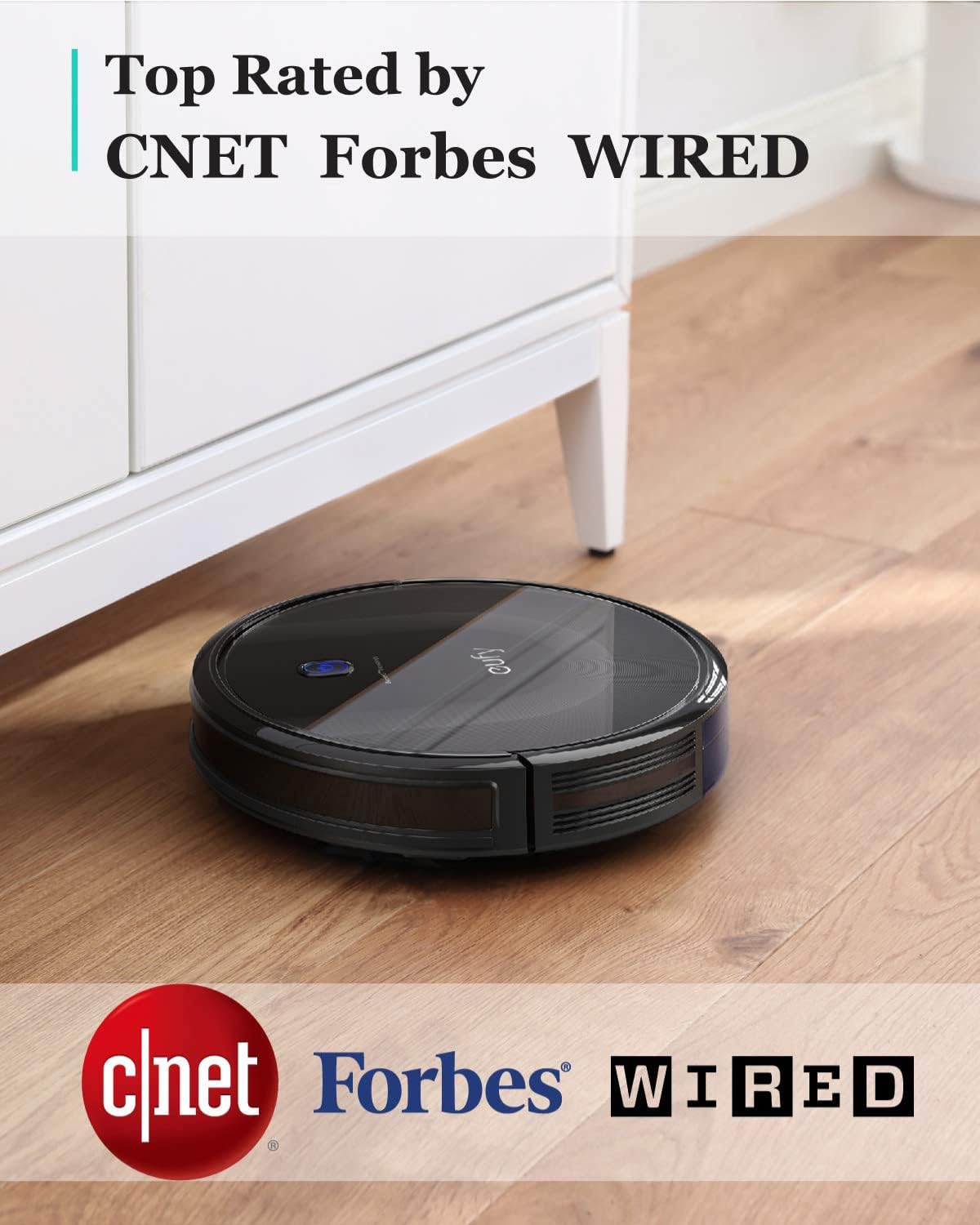
eufy (11S MAX) owners have documented erratic spinning behavior — the unit begins rotating in place rather than navigating normally — that appeared after extended use. Notably, at least one owner who contacted Anker support (eufy’s parent company) reported that support was responsive and resolved the issue, which is worth flagging given how often post-warranty support can be a dead end on budget hardware.
The ILIFE line earns a genuinely different mention here. Across aggregated long-term owner reviews, ILIFE units draw consistent praise for durability at their price point, with at least one owner documenting five-plus years of daily use with the unit still operational. That’s a meaningful data point, and it tracks with ILIFE’s simpler mechanical architecture — fewer sensors and smarter-navigation features means fewer components to fail.
The tradeoff is navigation capability: an ILIFE unit running for five years in a simple floor plan is a different product from a Roomba j-series or a Roborock S-series trying to handle multi-room mapping, furniture avoidance, and scheduled zone cleaning. You’re comparing durability profiles on products with different capability ceilings.
Self-Emptying Docks Add a Reliability Layer of Their Own
The self-emptying dock — the base station that automatically suctions debris out of the robot’s internal bin into a larger bag or canister — is one of the most useful innovations in the category. It’s also an additional system that can fail independently of the robot itself.
From a longevity perspective, the dock introduces several wear points that owners often don’t account for at purchase:
Suction motor: The dock’s internal motor runs a brief but high-power suction cycle every time the robot docks. Over time, this motor is subject to the same bearing and brush-carbon wear as any other small motor. Owner reports suggest dock motor issues tend to surface in year two or three on heavily-used units.
Bag/canister seal degradation: Self-emptying systems rely on a tight seal between the robot’s exhaust port and the dock’s intake. Seal wear allows fine dust to escape back into the room rather than into the collection bag — often the first sign owners notice is increased visible dust around the dock itself.
Firmware interdependency: On connected systems (Roborock, Roomba Combo, Shark AI Ultra), the dock and robot communicate over Wi-Fi and run coordinated firmware. Wirecutter’s editorial coverage of robot vacuum ecosystems has noted that firmware updates to the robot can occasionally create temporary compatibility issues with older docks — a risk that grows as product lines evolve and older dock hardware ages out of active software support.
The practical implication: when you’re evaluating total cost of ownership on a self-emptying system, factor the dock as a component with its own replacement timeline, not a permanent fixture.
How to Read the Warning Signs Before Full Failure
Sensor degradation and mechanical wear tend to give you signals before they cause complete failure. Owners who caught problems early consistently describe a short window where the robot’s behavior changes in ways that are easy to dismiss as “glitches.”
Navigation drift: If your robot starts missing sections it used to clean reliably, or begins bumping into furniture it previously avoided, that’s a sensor signal worth investigating before dismissing. Check the cliff sensor lenses (small dark windows on the robot’s underside) for dust or debris. Wipe them with a dry microfiber cloth.
Shorter run times: If a fully charged robot is returning to dock significantly earlier than it used to, battery capacity fade is the most likely cause. Some apps (Roborock, iRobot Home) surface battery health data directly; others require inference from run-time behavior.
Unusual sounds: Bearing wear in brush motors produces a low grinding or rattling sound during operation. If your robot has gotten louder, don’t wait — hair wrap can be cleared easily; a seized bearing cannot.
Error codes that weren’t there before: Most modern robot vacuums log error codes. A code that appears once and doesn’t recur is usually a transient sensor hiccup. A code that appears repeatedly — especially after docking — warrants a support inquiry.
Frequently Asked Questions
How long do robot vacuums typically last with daily use? Based on aggregated owner reports and editorial analysis from sources including Wirecutter’s long-term coverage, the realistic daily-use lifespan for a mid-range robot vacuum is three to five years before a component failure or battery degradation meaningfully affects performance. Budget units may start showing wear in 18-24 months under heavy use. Premium units with robust service support can push past five years if maintained properly.
Does pet hair really destroy robot vacuum brush systems over time? “Destroy” is strong, but the damage is real and cumulative. Pet hair wraps around brush rolls and axles, creating friction load that accelerates motor wear and bearing failure. Owners across multiple product lines — particularly Roomba and Lefant reviewers — describe this as the single most maintenance-intensive aspect of robot vacuum ownership in a pet household. Brushless roller designs (found on some Dyson and Roborock models) reduce but don’t eliminate this problem.
What are the most common failure points after warranty expires? Across owner reports, the failure hierarchy tends to be: (1) battery capacity fade, (2) cliff and obstacle sensor degradation, (3) brush motor wear or seizure, (4) dock suction motor failure on self-emptying systems, and (5) firmware compatibility issues on connected devices. Sensors and batteries are the earliest and most frequent issues; dock failures tend to surface later.
Is it worth paying for an extended warranty on a robot vacuum? The math favors extended warranty coverage on premium units ($400+) where the replacement cost is high and the failure window (year 2-3) is well-documented. On budget units under $200, the extended warranty cost often represents 20-40% of replacement cost — at that ratio, self-insuring (setting aside the warranty premium) and replacing the unit outright may be more economical. Consumer Reports’ reliability survey data generally supports this framework for small appliances.
How do I know if my robot vacuum’s sensors are starting to fail? Navigation inconsistency is the primary signal: the robot missing areas it used to cover, bumping into objects it previously detected, or behaving erratically near stairs or drop-offs. Physically inspect the sensor lenses on the robot’s underside — dust and pet-hair debris on the lens face is often the cause and is easily corrected. Persistent erratic behavior after cleaning warrants a support contact.
Does a self-emptying dock have its own longevity risks? Yes, and owners routinely underestimate this. The dock’s suction motor, seal integrity, and firmware dependency on the connected robot all represent independent failure points. Budget for the dock as a component with a separate service life, not an indefinitely-durable accessory.
The Decision Rule
If you’re buying for a low-hair, low-debris household with occasional use, a mid-range unit without a self-emptying dock is likely to serve you for four to five years with minimal intervention. If you have pets, long-hair household members, or you’re running daily cycles, plan your total cost of ownership to include one battery replacement in year one to two, a realistic expectation of brush-system maintenance every one to two weeks, and a possible sensor cleaning or replacement intervention around the 18-month mark. The ILIFE line earns consideration if multi-year durability at low maintenance overhead is your primary variable. If navigation intelligence matters more, the Roomba and Roborock lines deliver it — but they ask more of you in return. Know what you’re trading before the warranty clock starts.