If you’ve been shopping for a robot vacuum lately, you’ve probably noticed that almost every mid-range and premium unit now comes with a mop function built in. The pitch is simple: one robot cleans up crumbs and wipes your floors, so you can skip both chores at once. That sounds great — until you dig into what “mopping” actually means in this context. In most combo units, the mop module is a damp pad dragged across hard floors while the robot vacuums. It’s not scrubbing, it’s not applying pressure, and it’s not replacing the bucket-and-mop session you do when the kitchen floor is genuinely grimy. Whether that matters to you depends almost entirely on what kind of floors you have, how dirty they get, and how much you trust the robot to handle transitions between carpet and hard surfaces without making a small mess. This guide breaks all of that down so you can decide whether the combo feature is worth paying for — or whether it’s a checkbox you’ll ignore after week two.
| EDITOR'S PICKroborock Qrevo S5V Robot Vacuum… | Mid-tierTikom Robot Vacuum and Mop Combo | Budget pickroborock Q7 L5 Robot Vacuum and… | |
|---|---|---|---|
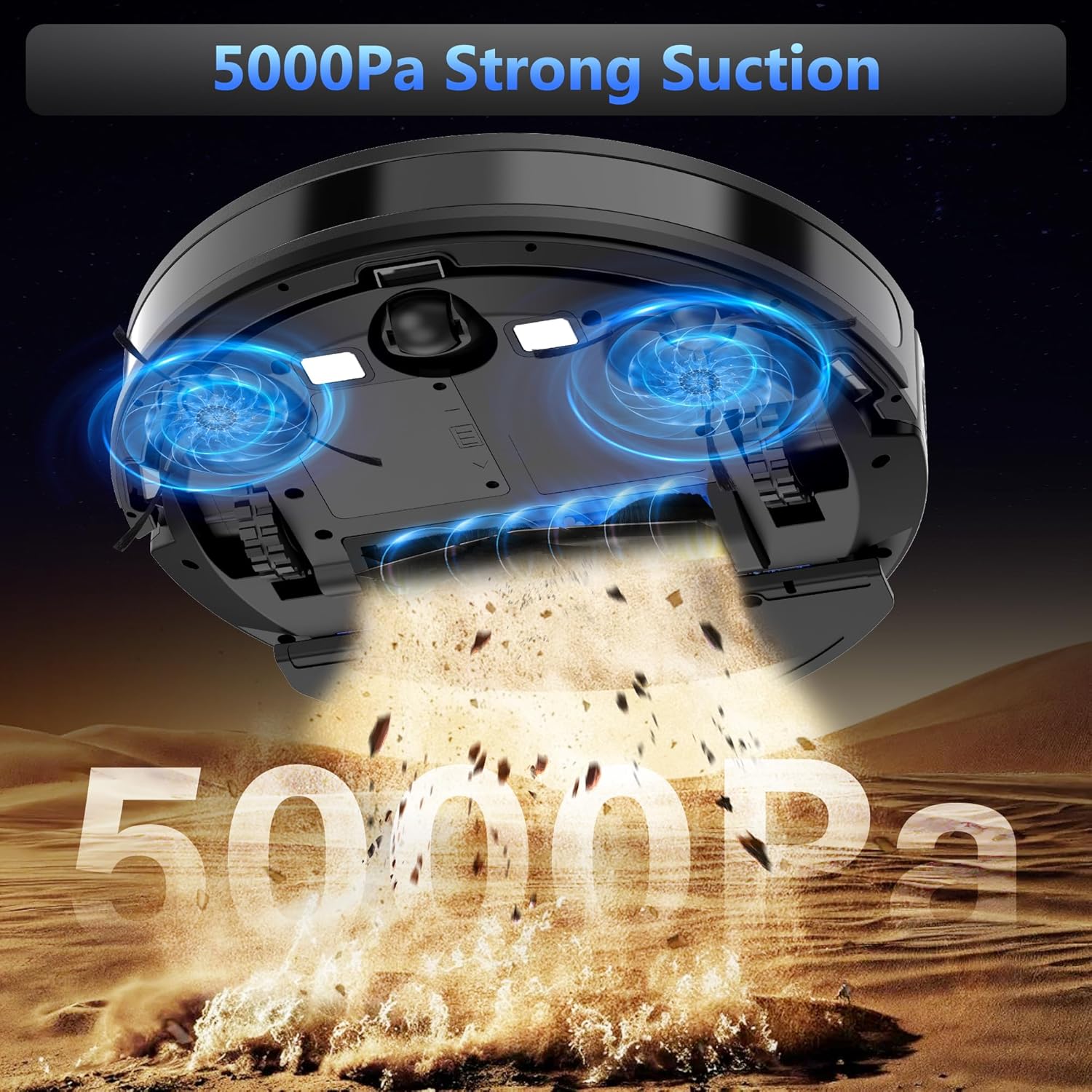
| Suction power | 12,000Pa | 5000Pa | 8,000Pa |
| Mop lifting | 10mm | — | — |
| Self-washing | ✓ | — | — |
| Self-drying | ✓ | — | — |
| Navigation | — | — | LiDAR |
| Max runtime | — | 150 min | — |
| Price | $549.99 | $149.99 | $139.99 |
| See on Amazon → | See on Amazon → | See on Amazon → |
What “Mopping” Actually Means on a Combo Robot (And What It Doesn’t)
Let’s be direct about the mechanics: most combo robot vacuums — including the Roborock Q7 Max+, the Roborock Qrevo S5V, and the Tikom L8000 Plus — use a passive wet-pad system. A reservoir feeds a small amount of water (or diluted cleaning solution) into a microfiber pad that drags along behind or underneath the unit. The robot doesn’t scrub. It doesn’t apply variable pressure. It doesn’t sense that a spot is dirtier than another and slow down.
Reviewers at Wirecutter and Wired have both landed on the same useful framing: think of it as a Swiffer-style pass, not a mop session. That characterization — “basically a Swiffer” — appears with striking consistency across Roborock Q7 and L5 owner reviews aggregated across retail platforms. For sealed luxury vinyl plank (LVP) and smooth hardwood floors, that’s often enough. A light damp wipe after vacuuming removes fine dust haze, pet paw prints, and light spills that vacuuming alone won’t fully address. If your primary floor surface is LVP or finished hardwood, the mop function earns its keep.
Where it breaks down is tile with grout lines. Grout is porous and sits below the tile surface; a dragging wet pad doesn’t have the contact pressure to work cleaner into those recessed channels. Consumer Reports’ 2026 robot vacuum buying guide echoes this directly, noting that combo units are not designed to substitute for periodic grout cleaning on ceramic or unglazed tile. If tile-and-grout is your main floor type and keeping grout clean is a real priority, the mop pad on a combo unit will leave you underwhelmed — and possibly convinced the robot isn’t doing its job when the actual limitation is physics, not the robot.
By the numbers — where the mop function actually helps:
| Floor type | Mop result (owner-reported consensus) | Replaces manual mopping? |
|---|---|---|
| Sealed LVP / vinyl plank | Effective for routine maintenance | Mostly, for light soil |
| Finished hardwood | Effective, use low-moisture setting | Mostly, for daily upkeep |
| Ceramic tile (smooth) | Adequate for surface-level film | Partially — not for deep clean |
| Unglazed tile / grout | Minimal impact | No |
| Carpet | Pad should lift or detach | N/A — do not mop carpet |
The Carpet-Transition Problem Is Real, and One Unit Handles It Better Than Others
If your home has mixed flooring — say, hardwood in common areas with area rugs or wall-to-wall carpet in bedrooms — the mop-to-carpet transition is where combo units diverge sharply in real-world quality.
The specific complaint that Roborock Q7 M5+ owners keep surfacing is a debris scatter at carpet boundaries: as the unit drives from hard floor onto carpet, the leading edge of the mop pad or the base of the unit can nudge a small pile of debris forward, leaving a little collection of dust and crumbs right at the transition line. It’s not catastrophic, but it’s the kind of thing you notice when you’re running the robot because company is coming. Multiple owner reviews describe finding the same characteristic pile at the rug edge after a cleaning cycle. This is a known mechanical reality of dragging-pad designs — the pad acts like a squeegee at the transition point.
The Roborock Qrevo S5V addresses this more effectively through its mop-lift mechanism, which physically raises the mopping module when the robot detects carpet. Owners consistently report that this makes the unit genuinely better for mixed-floor homes — the pad doesn’t drag across carpet fibers or push debris at transitions. The FlexiArm edge-cleaning system on the Qrevo S5V also generates real enthusiasm from reviewers with pets and young children, specifically because it reaches closer to baseboards and furniture legs than standard side-brush designs. For households running the robot in occupied rooms during the day — a use case that comes up repeatedly in new-parent and pet-owner reviews — the Qrevo S5V’s quieter operating profile gets called out as a meaningful quality-of-life feature.
The decision frame here is straightforward: if you have significant carpet-to-hard-floor transitions and you care about the mop function, spend up for a unit with active mop lift. If your home is mostly hard floors with a few area rugs you can tell the robot to avoid via zone mapping, a dragging-pad design is workable.
The Firmware Risk in the Roborock Ecosystem Deserves a Real Conversation
This section is uncomfortable to write because Roborock makes some of the best combo units available — but the editorial obligation here is to name risks that recur in verified owner accounts, and this one is too significant to soft-pedal.
Across Roborock product lines, a documented and recurring pattern exists: firmware updates occasionally render units non-functional. This isn’t a fringe complaint. One owner account describes receiving multiple replacement units from Roborock support, each exhibiting the same firmware-related failure after the same update — suggesting the issue wasn’t isolated to a single defective hardware batch but to the firmware itself. Roborock’s official support documentation acknowledges firmware rollback procedures, but in practice, the ability to roll back depends on which update state the unit is in and whether the base station has already pushed the new version.
The practical risk for buyers: Roborock units are deeply integrated with their app and cloud infrastructure. The robot’s mapping, scheduling, and zone-exclusion features depend on that connectivity. A firmware update you didn’t initiate — pushed automatically overnight — can break that integration in ways that aren’t immediately obvious and aren’t always covered by a clean warranty replacement path.
Wired’s coverage of smart home device reliability in 2025 noted the broader pattern of cloud-dependent appliances becoming liabilities when update pipelines aren’t robustly managed. Roborock is not alone in this category, but the specific failure mode — replacement units arriving with the same firmware vulnerability — is uniquely concentrated in owner feedback for this brand.
If you’re buying Roborock: disable automatic firmware updates in the app settings immediately after setup, and check Roborock’s community support forums before applying any new firmware. The feature set on Roborock units justifies the brand for many buyers, but treat this as a known risk to actively manage, not a background issue.
If firmware stability is non-negotiable for your household — say, you’re setting this up for an elderly family member, or you’re running it in a rental property you don’t actively monitor — the Tikom L8000 Plus presents a more passive-friendly profile. Owner reviews are overwhelmingly positive about setup simplicity and suction performance. Notably, mopping quality almost never comes up in Tikom L8000 Plus reviews — not because it’s bad, but because owners appear to use the mop feature passively at best, treating the unit primarily as a strong vacuum with a mop pad attached. That’s actually a reasonable framing for what it is.
Decision Rules: If X, Then Y
You’ve read the tradeoffs. Here’s how to translate them into a purchase decision:
If your home is primarily LVP or finished hardwood, with minimal carpet: The mop function will genuinely earn its place in your routine. Any of the combo units in the Roborock line or the Tikom L8000 Plus will give you daily maintenance-level mopping that reduces how often you manually mop. The Q7 Max+ is well-suited here if budget is a consideration; the Qrevo S5V is worth the premium if you want better edge coverage.
If you have significant grout or unglazed tile: The mop pad will not replace manual mopping for grout maintenance. You can still run a combo unit for the vacuum function and accept the mop as a light surface pass — but calibrate expectations accordingly. Don’t pay a premium for mop-related features that won’t solve your floor type’s actual cleaning challenge.
If you have mixed carpet and hard floors and care about both: Prioritize active mop lift. The Roborock Qrevo S5V is the strongest performer here based on owner-reported outcomes. The debris-scatter issue documented on the Q7 M5+ is a real quality-of-life degradation for mixed-floor homes.
If firmware stability and setup simplicity outweigh feature depth: The Tikom L8000 Plus has a strong owner satisfaction record for suction and ease of use with none of the firmware-bricking risk that appears in Roborock owner accounts. The mop function is there if you want it; few owners lean on it heavily.
If you’re buying a Roborock unit regardless: Manage the firmware risk proactively. Disable auto-updates, check the support community before updating, and document your unit’s serial number and purchase receipt so a warranty claim — if it comes to that — moves faster.
Frequently Asked Questions
Does the mop pad automatically lift when the robot reaches carpet? It depends on the unit. Higher-end models like the Roborock Qrevo S5V include an auto-lift mechanism that physically raises the mop module when carpet is detected. Budget and mid-range combo units typically use a passive drag pad that does not lift — it either skims over low-pile carpet or you need to set no-mop zones manually in the app.
Is the mopping function good enough to replace manual mopping on tile floors with grout? No — not reliably. Owner consensus and Consumer Reports’ 2026 buying guide both reflect that passive wet-pad systems don’t apply the pressure needed to clean grout lines. For smooth tile surfaces, the mop pass is adequate for surface film and light soil, but grout will still require periodic manual attention.
Can I use the vacuum function without the mop pad attached? Yes, on virtually all combo units. The mop module on most designs is detachable, and the robot will run as a standard vacuum without it. Some Roborock models will also prompt you to remove the mop pad if it detects the pad is installed while navigating a primarily carpet environment.
How often do I need to clean or replace the mop pad? For regular use, plan to rinse or wash the microfiber pad after every one to two cleaning cycles. A dirty pad redistributes soil rather than removing it. Replacement pads are typically inexpensive (a multipack runs a few dollars), but that ongoing cost is worth factoring in. Roborock’s official support documentation recommends pad replacement every 2–3 months under regular use.
Is a firmware-bricked robot vacuum covered under warranty? This is genuinely murky territory. Roborock’s warranty terms cover manufacturing defects, but firmware-related failures — where the unit fails after an over-the-air update — may require escalation and documentation to process successfully. Owners who have navigated this report that Roborock support will often replace units, but the process is inconsistent and can require multiple escalations. Keep your purchase receipt and register the product at time of purchase to strengthen any warranty claim.
What floor types are combo robot vacuums actually designed for? Sealed smooth hard floors: LVP, vinyl plank, finished hardwood, and smooth ceramic tile. These are the surfaces where both the vacuum and mop functions perform as intended. Combo units are not designed for unglazed tile, stone with deep texture, or carpet — the mop function should be disabled or the pad removed for carpet, and rough stone surfaces will wear through mop pads quickly with minimal cleaning benefit.