If you’ve been looking at robot vacuums — autonomous cleaning machines that navigate your home on their own and return to a charging dock when finished — the iRobot Roomba brand is probably already on your radar. The Roomba 105 family sits at an interesting mid-market position: not the entry-level units you gift without much thought, and not the flagship models with every bell and whistle. What makes this particular comparison worth working through carefully is that three products in this family share the same generation and brand identity but diverge on specific features in ways that matter enormously to day-to-day satisfaction. One ships with a self-emptying dock — meaning the vacuum deposits collected debris into a larger bag automatically, so you’re not emptying a tiny bin after every run. One adds LiDAR, a laser-based mapping system the robot uses to build a precise floor plan of your home. And one is the base model, which is where this comparison gets complicated fast.
If you’re deciding between these three right now, this article is built for that moment. We’ll name the tradeoffs, show the cost math, flag the real complaints owners surface in reviews, and give you a direct decision rule at the end.
| EDITOR'S PICKiRobot Roomba 105 Vac Robot Vac… | Mid-tieriRobot Roomba 105 Vac Robot Vac… | Budget pickiRobot Roomba 105X Robot Vacuum | |
|---|---|---|---|
| Self-empty dock | ✓ | ✗ | ✗ |
| Self-empties for | 75 days | — | — |
| Navigation | LiDAR | LiDAR | LiDAR mapping |
| Room cleaning | — | — | Custom rooms |
| Suction claim | Intense power-lift | Intense power-lift | 70X power-lift |
| Voice control | — | — | ✓ |
| Price | $248.98 | $159.00 | $129.99 |
| See on Amazon → | See on Amazon → | See on Amazon → |
What You’re Actually Comparing: Hardware Differences That Change the Experience
Let’s establish the three variants cleanly before evaluating any of them.
Roomba 105 (base): Standard navigation, no LiDAR mapping, manual-empty dustbin. The unit navigates using iRobot’s bump-and-redirect pattern logic — essentially, it moves until it hits something, then changes direction. Coverage is eventually thorough, but not optimized.
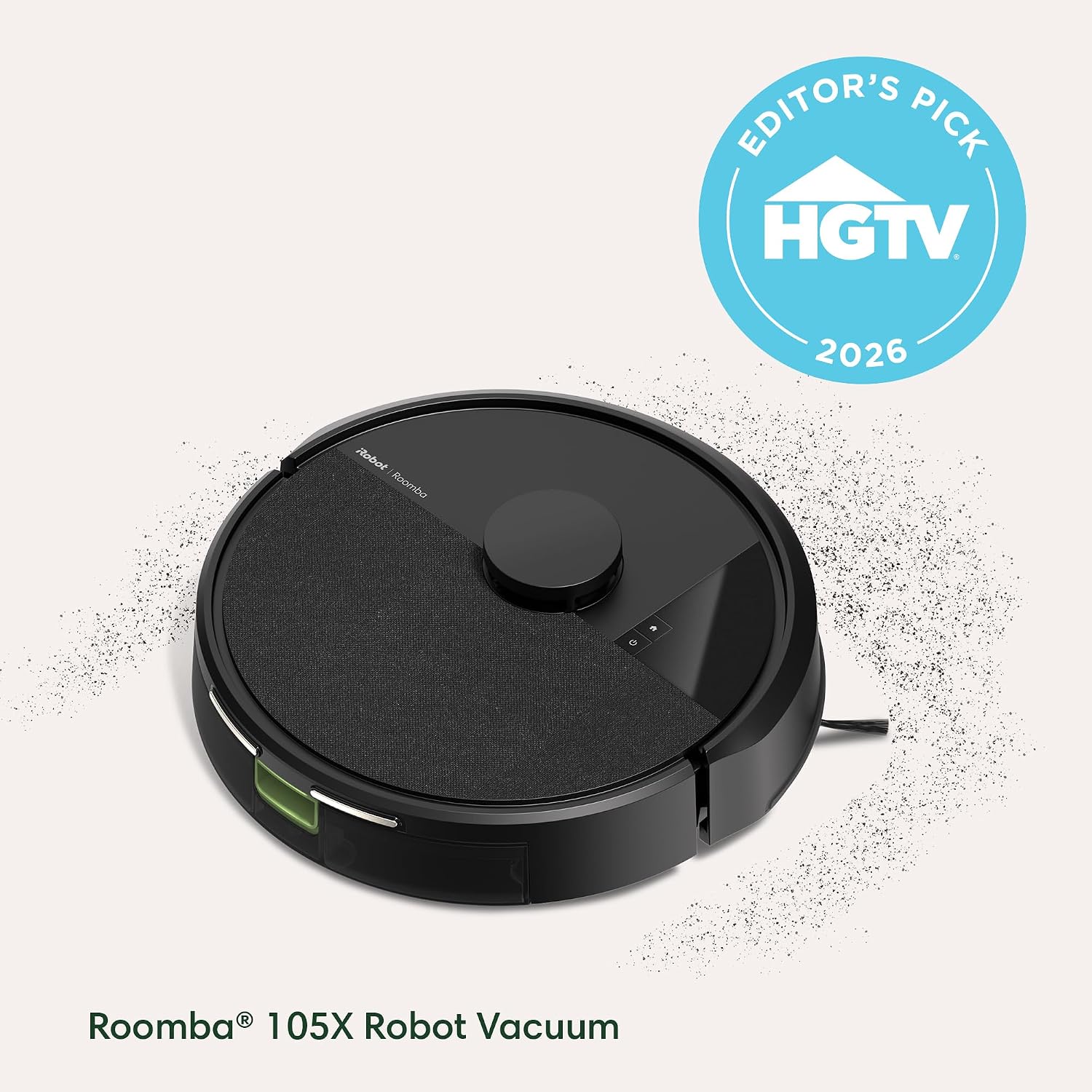
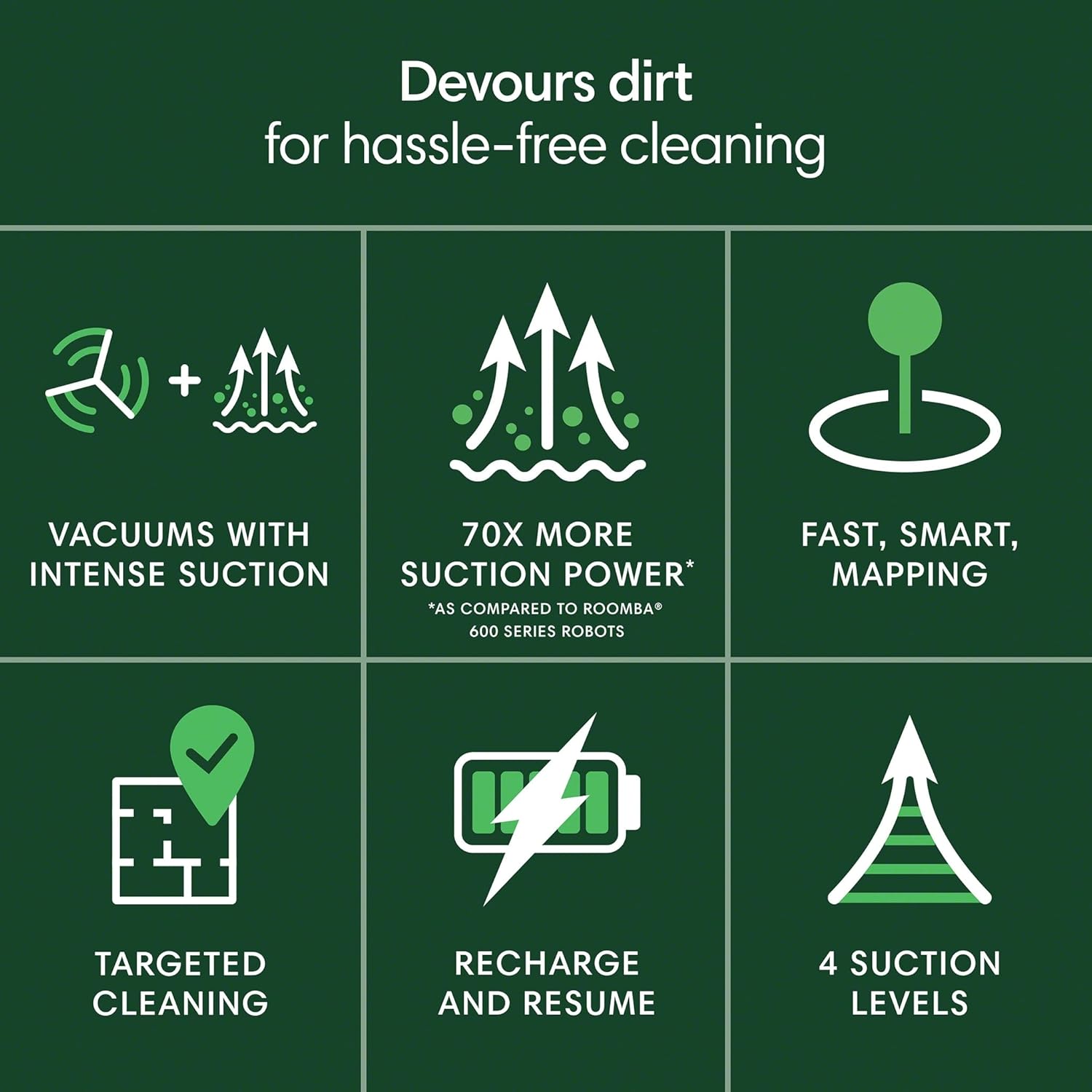
Roomba 105X: Adds LiDAR-based mapping and smart navigation. The robot builds a persistent map of your floor plan, learns room boundaries over multiple runs, and can be directed to clean specific rooms through the app. Same manual-empty dustbin as the base model.
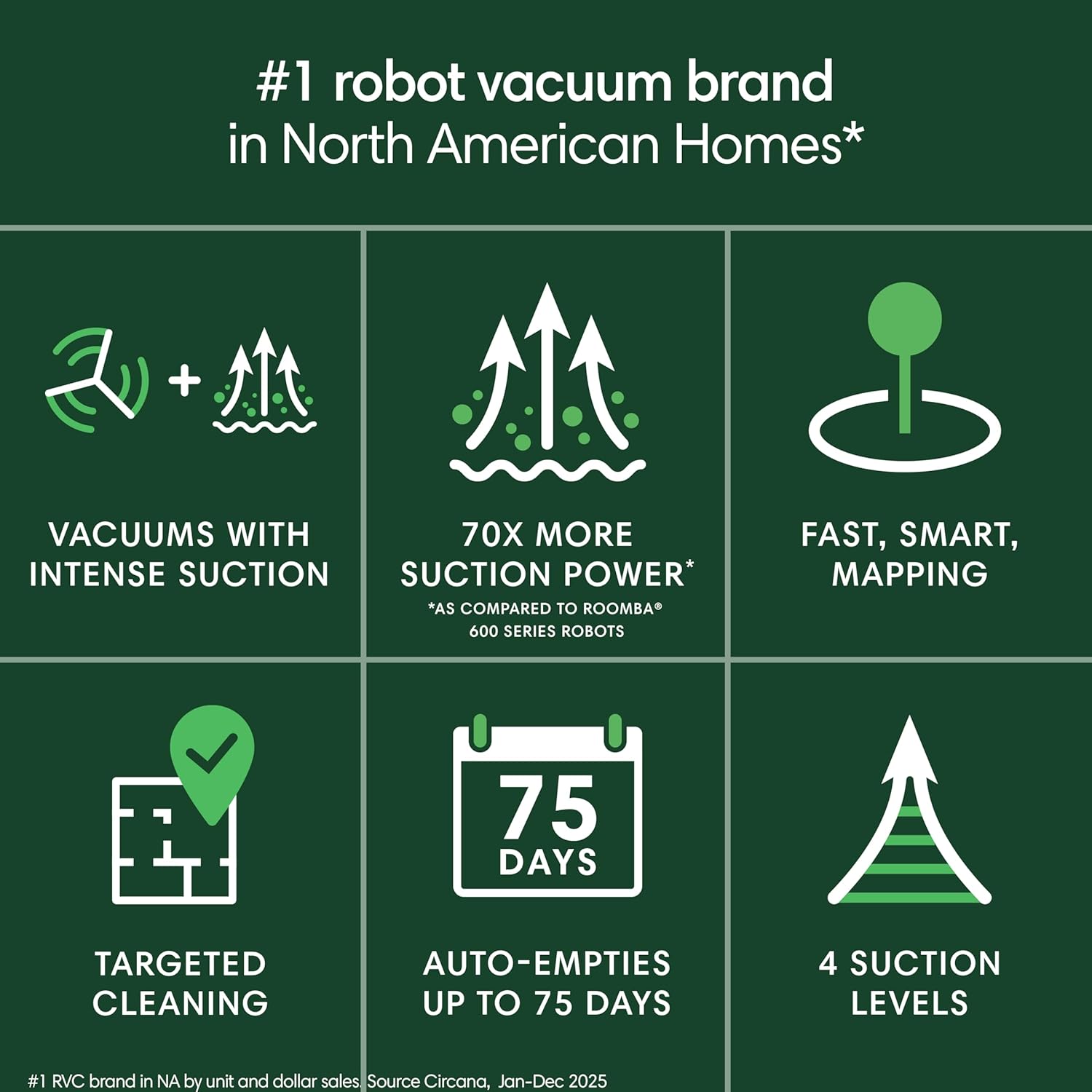
Roomba 105 with AutoEmpty Dock: Pairs the base 105 vacuum unit with iRobot’s Clean Base — a tower-style dock that suctions debris out of the robot’s bin and deposits it into a sealed bag capable of holding weeks of cleaning cycles before needing replacement.
By the numbers:
- Base 105 dustbin: approximately 0.3L capacity, empties every one to two runs in typical homes
- AutoEmpty dock bag: rated for roughly 60 days of debris before replacement
- 105X first-map run: owners report 45–90 minutes for a 1,500–2,000 sq ft home
- LiDAR sensor on the 105X: consistent with iRobot’s published spec of 360-degree room mapping
Side-by-Side: The Three Variants at a Glance
Roomba 105 Base — The Constrained Entry Point
The base Roomba 105 is the lowest price of entry into this generation. Its bump-and-redirect navigation will eventually cover a room, but it does so inefficiently — tracing paths no planned route would choose. For single-room or small-apartment use, that inefficiency is manageable. For whole-home cleaning, it compounds into a real problem.
The most specific and repeatable complaint in aggregated owner reviews is battery runtime. The unit runs out of charge after cleaning approximately two rooms, then requires an extended recharge before it can resume. Reviewers consistently describe the recharge period as slow relative to the cleaning interruption — meaning you’re waiting longer than the unit spent cleaning. Wirecutter’s robot vacuum buying guide, published by The New York Times company and available at thewirecutter.com, identifies battery runtime as one of the top decision factors in this price bracket, and the base 105’s behavior is a direct illustration of why that factor matters.
In a home with four or more rooms, this behavior effectively makes the 105 a multi-session machine rather than a set-and-forget one. Managed expectations make it a reasonable product for a defined scope. Unmanaged, it disappoints.
iRobot
$129.99
In stock on Amazon
Check price on AmazonRoomba 105X — Strong Hardware, Software Catching Up
The Roomba 105X generates the most technically detailed positive owner reviews of the three variants, and the pattern is worth understanding because it’s a story about how good mapping systems compound value over time.
One documented owner experience describes running the 105X on a twice-weekly schedule across two large rooms. In early runs, the unit spent extra time compensating for a home that hadn’t been vacuumed thoroughly in years — longer passes, more overlap, more edge attention. Over several weeks, as the map matured and the floor normalized, those same runs became efficient and consistent. The unit had, in effect, learned the space. That’s not marketing language — it’s a practical demonstration of what LiDAR-based persistent mapping actually does.
The Robot Report, at therobotreport.com, has covered iRobot’s navigation improvements and noted specifically that LiDAR-equipped consumer models build spatial memory through persistent floor-plan mapping — a capability that bump-and-redirect units simply cannot replicate. The 105X’s behavior in owner reports matches that description accurately.
The tradeoff is software maturity. Multiple owners flag a documented app reliability problem that is separate from the hardware. Scheduled runs occasionally fail to trigger. Room-specific commands don’t always register on the first attempt. App connectivity drops mid-session in some setups. This is a software problem, not a navigation problem — owners are clear that when the 105X runs, it runs well.
Wired, at wired.com, has reported on autonomous home robot navigation improvements and noted that LiDAR-equipped consumer units frequently outpace their companion app maturity — the hardware arrives before the software fully catches up. That characterization fits precisely what 105X owners describe. Voice triggering through Alexa or Google Home functions as a practical workaround for scheduling failures while app reliability continues to develop.
One reviewer observation worth repeating: owning a robot vacuum “enforces a level of tidiness” because you become mindful of leaving cords, charging cables, and toys on the floor. That’s not a spec-sheet point, but it’s a real quality-of-life outcome — the Roomba becomes ambient accountability for floor clutter.
iRobot
$159.00
In stock on Amazon
Check price on AmazonRoomba 105 With AutoEmpty Dock — The Friction-Eliminator
The most credible owner endorsement in the 105 family review record belongs to the AutoEmpty dock configuration, and it comes from a specific type of reviewer: a self-described skeptic who received a single unit as a holiday gift, was converted by actual use, and subsequently purchased two additional units for other areas of their home.
Three-unit adoption from a former skeptic is meaningful social proof in a way that enthusiast-first reviews are not. It suggests the AutoEmpty dock configuration crosses a threshold that changes daily behavior — the maintenance burden drops low enough that even someone who didn’t seek out the product becomes a repeat buyer.
The mechanics explain the appeal directly. The base 105 dustbin is small, and emptying it is the friction point that causes many robot vacuum owners to let units sit unused on their docks. The Clean Base dock eliminates that friction. You interact with collected debris every 60 days instead of every one or two runs. For multi-floor homes or homes with pets, that interval difference is substantial.
The navigational limitations of the base 105 hardware remain in this configuration — this is the same bump-and-redirect unit, not the 105X. But for owners whose primary pain point is maintenance burden rather than navigation efficiency, the dock delivers the upgrade where it matters most.
iRobot
$248.98
In stock on Amazon
Check price on AmazonDecision Framework: If X, Then Y
Given the tradeoffs above, here’s the honest decision logic:
If you want set-and-forget whole-home cleaning with minimal intervention: The AutoEmpty dock configuration is the clearest answer. The base 105 hardware isn’t the most sophisticated navigator in this family, but the dock removes the highest-friction maintenance step. Former skeptics become multi-unit buyers for a reason.
If you have a complex floor plan, multiple distinct rooms you want to direct cleaning toward, or a home over 1,500 sq ft: The 105X’s LiDAR mapping earns its premium. Accept that the app experience will occasionally frustrate you, and have a workaround for scheduling — manual trigger or voice command through Alexa or Google Home — until firmware matures. TechCrunch, at techcrunch.com, has covered iRobot’s home automation ecosystem integrations and confirmed that Alexa and Google Home voice commands function as a reliable fallback when app-based scheduling is unreliable.
If your budget ceiling is the base 105: Budget for the battery limitation. Plan the 105 as a room-by-room machine or a single-zone machine rather than a whole-home autonomous unit. Managed expectations make it a fine product for the right scope.
If you can swing only one upgrade from base: The AutoEmpty dock configuration offers more reliable daily-use improvement than the 105X’s navigation for most households — unless precise room-by-room mapping is your specific pain point.
Frequently Asked Questions
Does the Roomba 105 work on both carpet and hardwood in the same home? Yes. All three 105-family variants handle mixed-surface homes. Owners on hardwood and low-pile carpet combinations report no transition issues. Thick carpet over three-quarter inch pile can challenge the base unit’s suction on the first few passes, consistent with iRobot’s published performance notes across the product line.
Why does the standard clean mode only vacuum the perimeter of my house? The base 105 uses edge-first navigation logic — it traces room perimeters before filling in center areas. If the unit runs low on battery during that perimeter phase, it may dock before reaching interior coverage. This is the battery limitation in action, not a settings error. The 105X’s LiDAR mapping eliminates this pattern by optimizing routes before the run begins.
How long does the 105X take to fully map a home on the first run? Owners consistently report 45–90 minutes for homes in the 1,200–2,000 sq ft range on the initial mapping run. The unit runs longer than subsequent cleaning runs because it’s building the persistent floor plan. Expect the first two or three runs to feel inefficient — that’s the map-building phase, and it normalizes as the spatial model matures.
Is the AutoEmpty dock bag proprietary or can I use third-party bags? iRobot designs the Clean Base bags specifically for their dock system, and bags are sold under the iRobot brand. Third-party alternatives are available from several manufacturers, but compatibility reports from owners are mixed — some work reliably, others fail to seal correctly and allow fine dust to escape. If you’re cost-sensitive on consumables, factor in the cost of iRobot-branded bags, typically sold in multi-packs, and test third-party options cautiously before committing to a supply.
Does the Roomba 105 series work with Alexa and Google Home? Yes, all three variants support Alexa and Google Home voice control. TechCrunch’s coverage of iRobot’s home automation ecosystem confirms that the integration allows start, stop, and dock commands across the line, and room-specific commands on the 105X. Voice triggering is also the most reliable workaround for the 105X’s occasional app scheduling failures.
How does the 105X compare to older Roomba i-series models? The 105X’s LiDAR-based navigation is a meaningful step beyond the camera-based vSLAM navigation used in the i-series lineup. Owners upgrading from i7 or i3 units consistently report improved edge detection and more efficient room coverage patterns. The app ecosystem is shared, so i-series users will find the interface familiar — including the app reliability issues that haven’t fully resolved across the platform.
The 105 family is a legitimate product line with real differentiation between its variants — not just marketing tier separation. The base unit has a specific and documentable limitation. The 105X has genuine hardware capability paired with software immaturity. The AutoEmpty dock configuration has the strongest owner conversion story in the set. Match the variant to your actual use pattern and you’ll get value from whichever you choose.