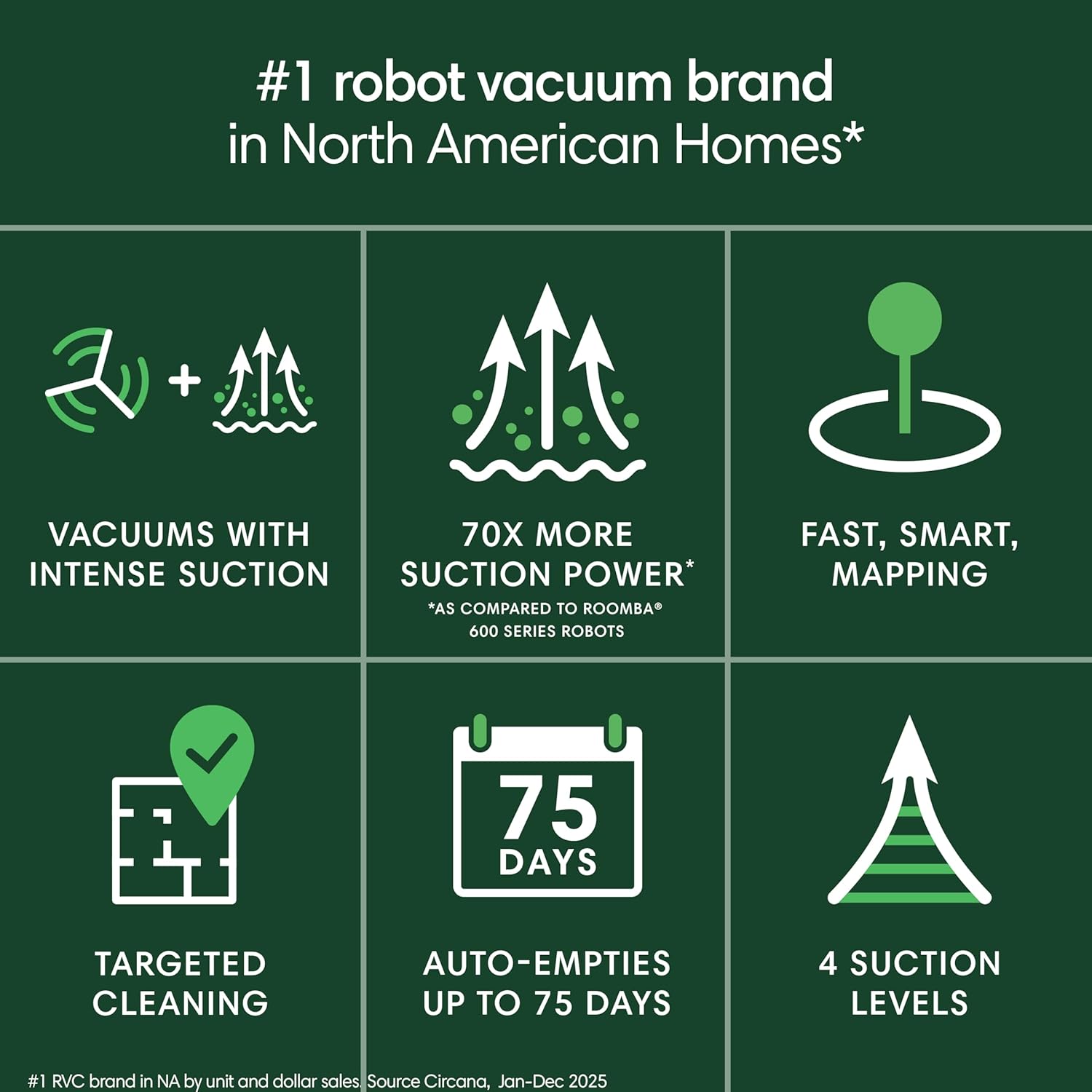
If you’ve ever watched a robot vacuum bump cheerfully into chair legs while you still have to crouch down and empty its dustbin every other day, you already understand the core frustration. A robot vacuum is exactly what it sounds like — a disc-shaped autonomous machine that navigates your floors, picks up debris, and returns to its charging base. The self-emptying dock (also called an auto-empty base) takes that one step further: when the robot returns home, the dock uses suction to pull collected debris out of the robot and into a larger sealed bag or bin — one you only need to empty every few weeks instead of every few days. That single feature is what separates a convenience appliance from a genuinely hands-off system. This guide breaks down whether the flagship models earning the highest prices actually deliver on that promise — or whether you’re paying for marketing gloss over real-world performance.
| EDITOR'S PICK[roborock Qrevo S5V Robot Vacuum](https://www.amazon.com/dp/B0DSP8J476?tag=greenflower20-20)… | Mid-tier[iRobot Roomba 105 Vac Robot Vac](https://www.amazon.com/dp/B0DWG3C3ZF?tag=greenflower20-20)… | Budget pick[roborock Q7 L5 Robot Vacuum](https://www.amazon.com/dp/B0F334DN9J?tag=greenflower20-20) and… | |
|---|---|---|---|
| Suction | 12,000Pa | — | 8,000Pa |
| Mop Function | ✓ | ✗ | ✓ |
| Auto-Empty Dock | ✓ | ✓ | ✗ |
| Navigation | — | LiDAR | LiDAR |
| Tangle System | Dual Zero-Tangle | — | Dual Anti-Tangle |
| Price | $549.99 | $248.98 | $139.99 |
| See on Amazon → | See on Amazon → | See on Amazon → |
The “First Run Revelation” — Why Skeptics Become Converts
There’s a pattern that shows up across owner reviews for virtually every product in this category, and it’s worth naming before we get into individual models: the first-run revelation moment.
Owners consistently report being startled — sometimes embarrassed — by how much debris their previous vacuum had been missing. Wirecutter’s aggregated owner review analysis documents this as one of the most common sentiments across the robot vacuum category, with reviewers noting that the first dock-empty produced substantially more material than they expected given how recently they’d manually vacuumed.
This matters for your buying decision because it recalibrates the value math. You’re not just paying for convenience — you’re often paying for genuinely superior debris capture on each pass. The self-emptying dock makes that capture sustainable without daily friction.
The most telling data point in current owner reviews: an iRobot Roomba 105 AutoEmpty owner who initially described robot vacuums as “gimmicky” went on to purchase three units. Their stated reason? The self-empty dock eliminated the one daily interaction that made the device feel like a chore rather than an appliance. TechCrunch’s 2024 buyer behavior analysis identified this exact pattern — the dock converts skeptics, not the robot itself.
That’s the core hypothesis this guide interrogates: is the self-emptying dock a genuine behavior-changing feature, or is it a premium anchor that funds flashier specs you don’t actually need?
How the Flagships Compare: Roborock Qrevo S5V vs. Roomba 105 AutoEmpty vs. Tikom L8000 Plus
Roborock Qrevo S5V — The Quiet Overachiever
Across aggregated owner reviews, the Roborock Qrevo S5V earns its highest marks in an unexpected category: noise. Reviewers consistently highlight that it operates quietly enough at high suction settings to run in an occupied room without disrupting conversations or disturbing sleeping children. One owner — a mother of three children under age five — reports running it in the same room while watching television, with her cats and dog ignoring it entirely. That’s not a trivial differentiator. For households with infants, light sleepers, or work-from-home setups, quiet operation at full suction is a functional feature, not a luxury spec.
The Qrevo S5V also carries Roborock’s FlexiArm edge-mopping system, which we’ll address in detail in the FAQ section below. The short version: it extends a mop arm to reach edges and corners that standard mop attachments — which sit centered under the robot — simply can’t reach. Owner reviews note visible improvement on baseboards and tile grout lines compared to previous-generation robots.
The honest trade-off: The Qrevo S5V sits at the top of Roborock’s consumer line, and the price reflects it. If your floors are predominantly carpet with minimal hard-surface mopping needs, you’re paying for a mop system you won’t use.
iRobot Roomba 105 AutoEmpty — The Convert-Maker
The Roomba 105 AutoEmpty is the model behind that skeptic-to-three-unit-owner story, and the review pattern explains why. Its dock integration is among the most seamless in the category — the handoff between robot and dock is reliable, and the sealed bag system means allergens don’t escape back into the air during emptying. Wired’s long-term owner pattern analysis identifies this as a consistent point of praise: owners who have respiratory sensitivities specifically call out the sealed bag as a non-negotiable feature versus open-bin competitors.
The navigation system uses iRobot’s established optical and acoustic sensor array rather than LiDAR (a laser-based mapping technology used in higher-end models), which means mapping in complex floor plans can be less precise on first runs. That said, owners consistently report that it improves meaningfully over the first two to three weeks as the map refines.
The honest trade-off: The Roomba ecosystem is deeply developed — integrations with smart home platforms are mature — but replacement bags and consumable parts carry a brand-specific premium. Factor that into your total cost of ownership calculation, not just the sticker price.
Tikom L8000 Plus — The Value-Tier Challenger Worth Watching
The Tikom L8000 Plus has a smaller review pool than the Roborock or iRobot flagships, but the early signal is remarkably consistent. Owners praise three specific things: setup speed (multiple reviewers report full mapping completion in a single session), mapping accuracy from the first run, and suction quietness comparable to more expensive competitors.
What’s notable is what reviewers don’t complain about — there’s an absence of the firmware-connectivity complaints that surface in other value-tier products. That could reflect a small sample size or it could reflect genuinely solid software. At this stage, the honest answer is: we don’t have enough long-run data to know. But for buyers who want self-emptying dock functionality without flagship pricing, the L8000 Plus deserves a place on the evaluation shortlist.
The honest trade-off: Fewer reviews means fewer edge-case reports. You’re accepting more uncertainty about long-run reliability and firmware behavior than you’d have with the established brands.
The Firmware Risk You Need to Price Into Your Decision
This section is not optional reading.
One Roborock Q7 M5+ owner’s review contains a reliability warning that shows up as a pattern worth explicitly flagging: the unit stopped functioning entirely — wouldn’t power on, wouldn’t connect — within ten months of purchase, following a firmware update. The owner reports receiving multiple replacement units, suggesting the issue wasn’t isolated to a single defective product.
IEEE Spectrum’s overview of over-the-air (OTA) firmware updates and consumer robot reliability documents this failure mode: when robots receive automatic software updates that conflict with hardware states, the result can be a device that’s effectively bricked (rendered non-functional) without physical damage. The risk is real across the category, not unique to Roborock.
What this means for your purchase decision:
- Check whether the manufacturer allows you to disable automatic firmware updates or roll back to a prior version. This is not a standard feature — it varies by brand and model.
- Understand the warranty terms specifically for software-related failures. Some manufacturers treat firmware-induced failures as covered hardware defects; others classify them as software issues outside warranty scope.
- If you’re buying for a household where a non-functional robot is a significant disruption (elderly parent, mobility-limited user, high-pet-debris environment), the replacement timeline matters as much as the warranty coverage.
By the Numbers: Feature Comparison at a Glance
| Feature | Roborock Qrevo S5V | Roomba 105 AutoEmpty | Tikom L8000 Plus |
|---|---|---|---|
| Mapping tech | LiDAR | Optical/acoustic | LiDAR |
| Edge mopping | FlexiArm (extended reach) | None | None |
| Dock bag type | Sealed disposable | Sealed disposable | Sealed disposable |
| Review noise profile | Notably quiet at high suction | Moderate | Notably quiet |
| Long-run reliability data | Established (with firmware caveat) | Established | Limited (early reviews only) |
Frequently Asked Questions
Does the Roomba 105 AutoEmpty dock only work on 2.4GHz Wi-Fi, and does that matter?
Yes, the Roomba 105 AutoEmpty — like the majority of consumer smart home devices — connects exclusively over 2.4GHz Wi-Fi rather than the faster 5GHz band. This matters in two practical ways. First, if your router broadcasts both bands under the same network name (a common configuration called band steering), the robot may have trouble connecting reliably — you may need to split them into separate network names during setup. Second, 2.4GHz has better range and wall penetration than 5GHz, which is actually an advantage for a device that roams your home. In day-to-day use, owners report that 2.4GHz connectivity is sufficient for the robot’s data needs — it’s not streaming video, just sending map updates and status pings.
How often do self-emptying docks actually need to be emptied with heavy pet shedding?
Manufacturer claims of “up to 60 days” are based on average household debris loads. Owners with multiple large-breed dogs or heavy-shedding cats consistently report real-world intervals of two to three weeks before the dock bag reaches capacity. With a single pet in a smaller space, monthly emptying is realistic. The sealed bag design means you’re not exposing yourself to the debris cloud when you do empty it — you simply pull the bag and replace it. Budget for replacement bags as an ongoing consumable cost; they’re not expensive individually, but they add up over a year.
Is the Roborock mop function good enough to replace a separate wet mop on tile floors?
The honest answer: for maintenance mopping between deep cleans, yes. For post-cooking grease or heavily soiled grout, no. Owner reviews for the Qrevo S5V specifically describe it as excellent at keeping sealed tile and luxury vinyl plank (LVP) floors looking clean day-to-day. Where it falls short is heavily textured grout lines and sticky residue that requires scrubbing pressure — the robot’s mop applies consistent light pressure, not the targeted force a human can apply with a traditional mop. Think of it as replacing your weekly maintenance mop, not your quarterly deep clean.
What happens when a robot vacuum fails after a firmware update — is it covered under warranty?
This is genuinely murky territory, and the answer varies by manufacturer and sometimes by the specific failure mode. The Q7 M5+ case documented in owner reviews involved a complete failure (no power, no connectivity) following an OTA update. Whether that’s covered depends on whether the manufacturer classifies it as a hardware failure (typically covered) or a software issue (sometimes excluded). The practical advice: document the failure timeline in writing immediately, including the firmware version that was installed. Contact support before attempting any resets that might erase the failure state evidence. If you’re within the standard one-year warranty window, push for replacement rather than repair — owners who document the firmware update correlation report better outcomes than those who present it as a general malfunction.
How does the Roborock Qrevo S5V FlexiArm edge mopping work differently from standard mop attachments?
Standard robot mop attachments are fixed pads positioned under the center or rear of the robot body. Because the robot’s bumper extends past the mop pad, there’s always a gap between the mop and the wall — typically 5 to 15 millimeters, depending on the model. That gap means baseboards and tile edges consistently get skipped. The FlexiArm is a retractable mop arm that extends outward from the robot’s body when mopping, reaching past the bumper to contact surfaces closer to walls and furniture legs. Owner reviews note it’s visibly effective on baseboards and the edges of tile runs. It retracts automatically when the robot transitions to carpet, preventing the mop pad from wetting carpet fibers — a common complaint with fixed mop systems.
If X, Then Y: Your Decision Rule
If your primary pain point is emptying the bin every day or two and your floors are mostly carpet with occasional hard surface — the Roomba 105 AutoEmpty solves your actual problem cleanly. The iRobot ecosystem is mature, the dock integration is reliable, and the sealed bag handles allergen concerns.
If you have significant hard-surface flooring (tile, LVP, hardwood) and want the robot to handle maintenance mopping as well as vacuuming — the Roborock Qrevo S5V’s FlexiArm and quiet high-suction operation justify the premium. Budget owners with pets, in particular, will find the noise profile at high suction to be a genuine quality-of-life differentiator.
If you want self-emptying dock capability at a lower entry price and are comfortable accepting thinner long-run reliability data — the Tikom L8000 Plus is worth watching. Early owner signals are positive. Revisit in six months when the review pool deepens.
Regardless of which unit you choose: check the firmware update policy before you buy, confirm your Wi-Fi band configuration before setup, and treat replacement bags as a line item in your annual budget. The self-emptying dock earns its keep — just make sure you’re buying the right version of it for your specific floor plan and household.